As best I can tell they act as a second keyboard and input goes to the application with focus just like any other keyboard. They come with software to configure them that’s generally considered pretty terrible.
However…
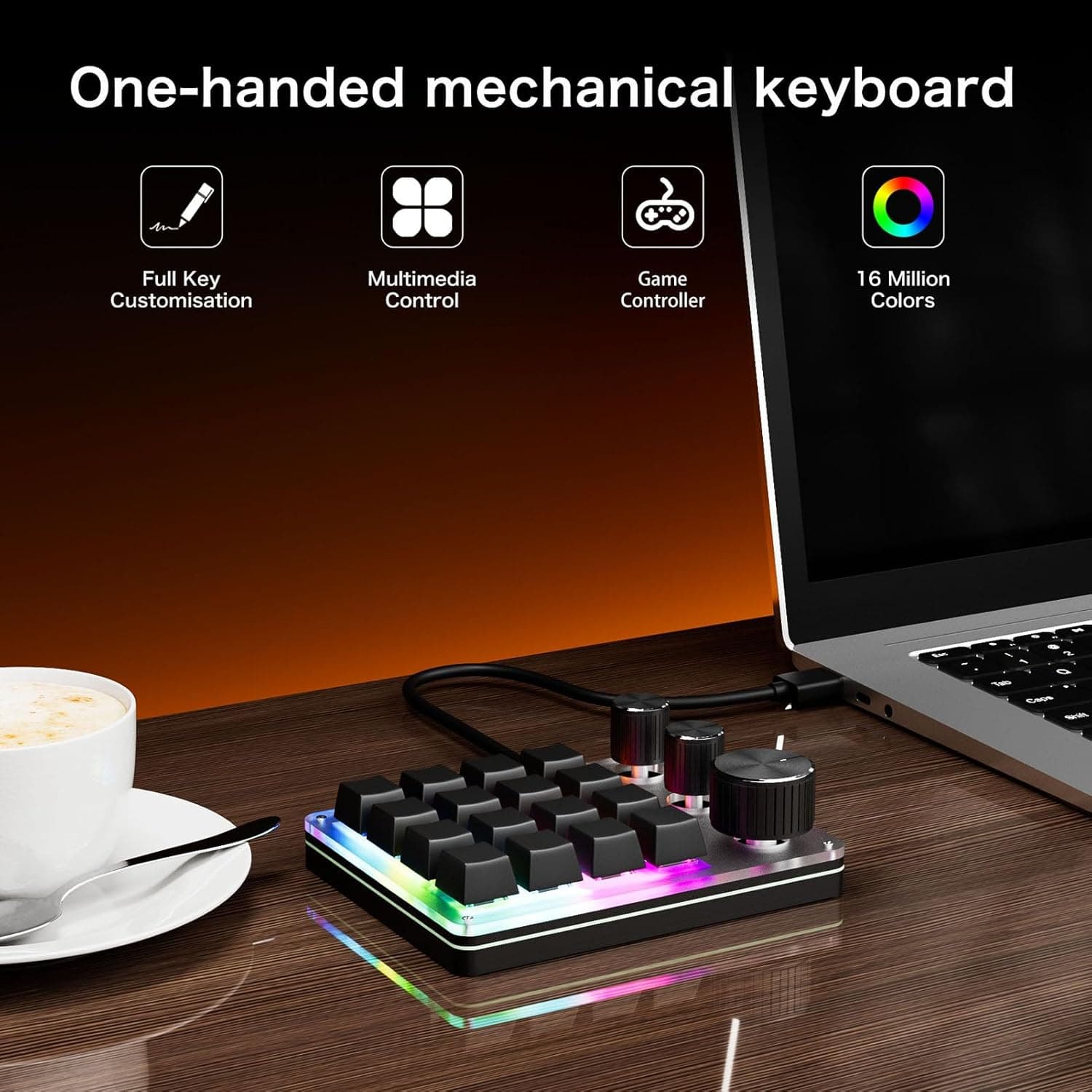
Would it be useful if Cantabile could be configured to take exclusive control over a keypad like this and events from it basically become like MIDI events. ie: doesn’t matter which app has focus, you can bind from that keypad’s buttons/knobs directly to settings in Cantabile. I think this part can be done all using standard APIs/protocols.
As for the LEDs, as best I can tell there’s no defined standard for these, but seems like it’s not too hard to reverse engineer. That would allow Cantabile to configure the LED colors as well.
Curious if anyone would find something like this useful? Is anyone already using keypads like this and if so how well do they work?
I think is a pretty good idea, the only reservation I have is that there seems to be alot of variants availbale, the exact example shown doesn’t seem to be available on amazon.co.uk ../Steve B
OK, interesting. fwiw, that would probably only affect the LED side of things - the input side is pretty standardized. The LED control side is not at all.
Possibly, but not necessarily… from what I understand these cheap ones are generally not reprogrammable, except maybe by macro handling on the software side of things. That wouldn’t matter if Cantabile was to handle directly.
I remember you posting about this in StreamDeck topic. It looks like this one is reprogrammable? Can it be made to control a specific app, regardless of which app has focus. eg: can this control Cantabile even if it’s minimized (like a MIDI controller would).
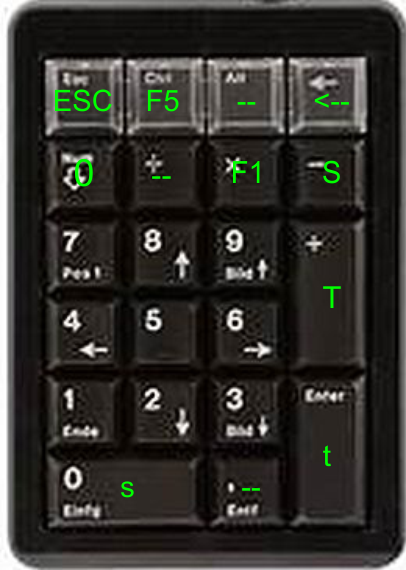
First I had the idea to use Cantabile shortcuts (as shown in the image above) to reach songs and states fast and reliable. Don’t know if one can use it to control a specific app.
On my redundant system with two computers running in parallel it is connected to the first computer and the MIDI data are forwarded to the second computer so that both are always synced regarding songs and states. Window focus doesn’t matter but I’m still able to control things via the touch screen of the computer.
I have a second one of these devices to control my third computer that i built up last year since I don’t need the redundant system in most cases now with the Viscount Legend One 73 as masterkeyboard.
OK, so got my hands on one of these keypads today.
The device itself is not bad… seems to be well made, buttons and rotary encoders feel ok and work fine. It needs rubber feet to stop it sliding all over the desk, but that’s an easy fix.
For input it works fine. By default each key is assigned a letter and each rotary knob is assigned a letter for each direction. The software allows remapping the keys and seems to work. The remapped keys are stored on the device and doesn’t require any desktop software once configured.
The device supports three “layers” - ie: 3 sets of key mappings and you can switch between using a small button on the side. It’s kinda awkward but works.
The software is not great, not terrible and gets the job done.
The biggest problem is the RGB LED lighting. Making changes in their software only works once, then you need to unplug and replug the device to get a second change. This seems to be an issue with the firmware on the device itself, not the desktop software and unfortunately makes it pretty much useless for any sort of visual state feedback. Also, it’s supposed to support different LED colors for each of the 3 layers, but I could only get two layers assigned and after a few layer switches it stops switching colors entirely.
Question: is a device like this worth it without the RGB lighting feedback? What exactly would you like to use the LED lighting feedback for?
It’s still seems like a neat little device just a pity the RGB lighting isn’t really usable in an interactive way - all you can do is set it and leave it.
TL;DR: works fine as a input device. RGB lighting is pretty much broken unless you’re content with it turned off, or a fixed set of colors.
I’ve seen there’s lots of these StreamDeck clone like devices. Here in Australia, that device is almost double this cheap keypad.
The problem with these for me is the integration with Cantabile needs to be a lot tighter (take a look a the current Cantabile Stream Deck plugin) and so a much higher development effort. And. each one needs to provide a decent SDK in order to be able to program it. I imagine the availability and quality of these SDKs probably varies wildly. I did a quick search and couldn’t find an SDK for soomfon.
What I’m thinking about here is a simple, cheap integration that acts more like a simple MIDI controller. In fact, rather than building anything into Cantabile to start with, I’m thinking of just building a simple utility that maps it to MIDI that you can then feed to where-ever you like.
Yes, understood. I’ve been reading the thread regarding Stream Deck plugin and wondered if its actually worth the effort [I’m sure its loved by many, but, I need to spend more time with the music ]. I do like your idea of a simple MIDI controller for use with the Cantabile, I think it would be useful. While I’m here, what an awesome piece of software, thanks.
I use one of these controllers with my Cantabile system right now. It would certainly be useful if it could be ‘permanently’ attached to Cantabile.
The biggest wrinkle is that there are several standards for how the keyboards work. I have a 3 knob/16 key version, and a 2 knob/12 key one. They require completely different software to program them.
As a pianist I play on an Yamaha 525 electric piano because of the better keyboard. The sacrifice is not having a Mod or Pitch wheel. I’d guess that I could use the knobs of the keypad for that, so I’m interested.
OK, so everything I’ve tried with this device has failed… what I was hoping for was a cheap simple device that could:
be redirected exclusively to Cantabile (regardless of current input focus) and
a way to give some visual feedback from Cantabile via LED lighting.
The idea fails on just about every count
exclusively capturing a particular keyboard in Windows is nigh on impossible without getting into kernel mode drivers - not going there.
The best possibility is programming rarely used keys (F13-F24) that are ignored by most other apps and capture them globally. But I couldn’t find enough rarely used keys for all the buttons/knobs.
I actually reverse engineer the protocol for programming the device and configured it to send otherwise unused key codes - but Windows filters them out before applications see them.
I tried using F13 key prefixes as an indicator to a low level keyboard hook to indicate the next key press should be ignored - like an escape sequence. Because of limitations in the device firmware this only works for press events - doesn’t work if you need press/release (like to map a button to a MIDI note). It’s hacky, but could work.
I tried programming the keys with combinations of various modifiers (Ctrl+, Shift+ etc) but the device firmware gets really confused when pressing multiple keys at the same time.
The LED update logic in the device firmware was fundamentally broken so LED updates were never going to happen.
I opened up the device to check what microcontroller it used, wondering if I could flash new firmware into it. Nope.
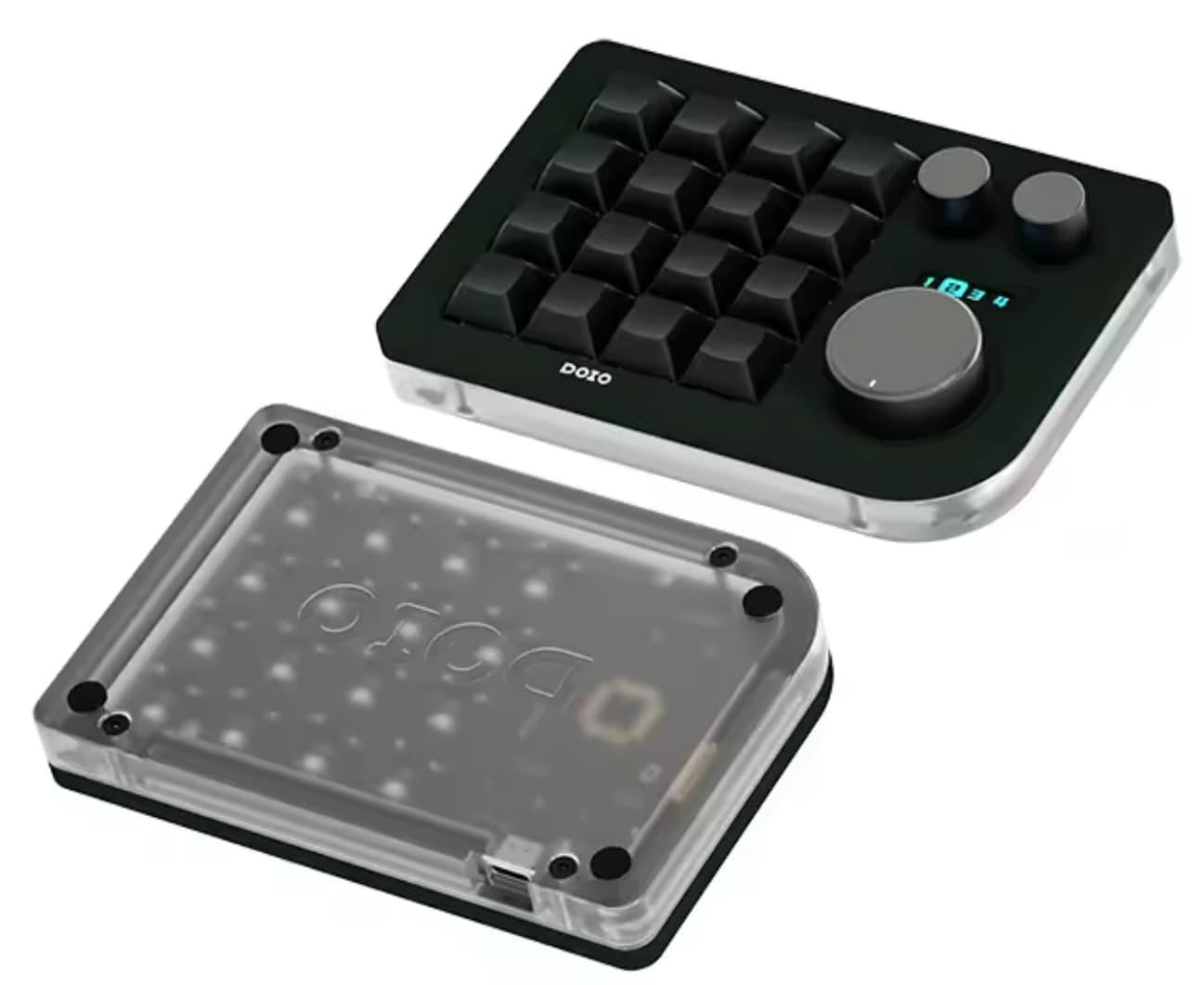
I have a lot more hope for the KM16 device (still awaiting it) for a couple of reasons:
I believe it can be re-flashed.
QMK is well known and documented
QMK can be reprogrammed to send RAW HID events - so it doesn’t have to work like a regular keyboard allowing bypassing all of Windows keyboard handling.
The LED API is well documented.
But, we’ll see.
TL;DR: unless your needs for this with Cantabile are very basic, don’t bother.
I use two of it and they work very well. It is configurable on the combination of pc keymap.
Here next my suggestion (stable, configurable usable in wireless and solid)
Interesting - that keypad looks different to the one I’ve been experimenting with, but the software looks identical. Do you have any issues programming the RGB colors? Mine I only seem to be able to get colors for two of the three layer colors to stick and sometimes they stop changing when I switch layers.
OK, with this cheap pad, I’ve flipped things around a bit and have a working solution, albeit without LED feedback.
Basically, I programmed the 16 buttons to the Windows numpad keys (0-9, period, enter, multiply, divide, add, subtract etc…). The knobs I programmed to F13, F14, F15 for push switches and various multi-media/browser control keys for rotation (eg: BrowserBack/Forward, Volume Up/Down, Track Next/Previous).
ie: I found a good enough set of rarely used key.
On the software side, instead of using Windows RAW input (which sounds low level but is actually high level) I switched to using a keyboard hook. This lets me capture these specific keypresses and suppress them so other apps don’t see them.
ie: it steals those keys so input always goes where I want it, not to the focused app.
I then wrapped that keyboard hook up as a NodeJS native addon so I can program the handling of the keyboard from JavaScript.
This last bit is the most interesting and I’ll post more about it soon…

 ]. I do like your idea of a simple MIDI controller for use with the Cantabile, I think it would be useful. While I’m here, what an awesome piece of software, thanks.