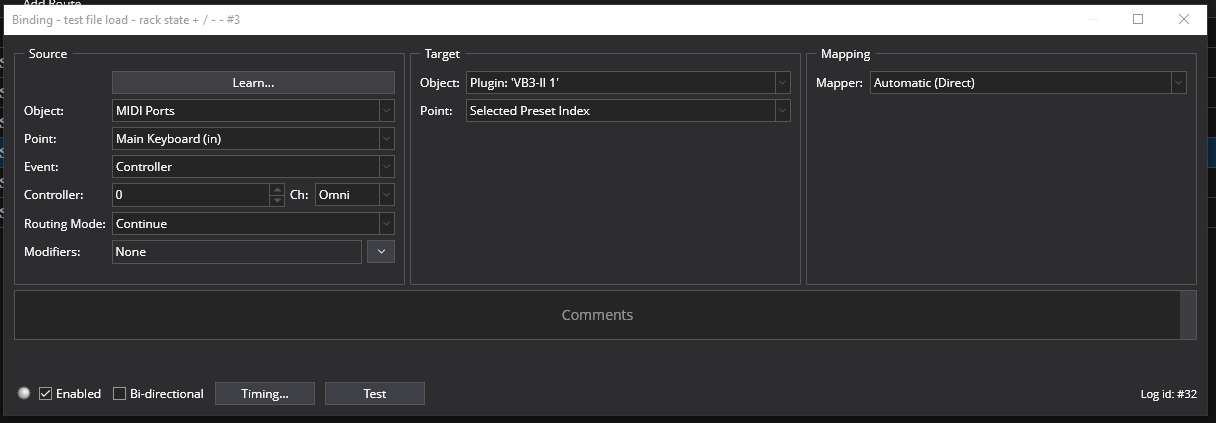
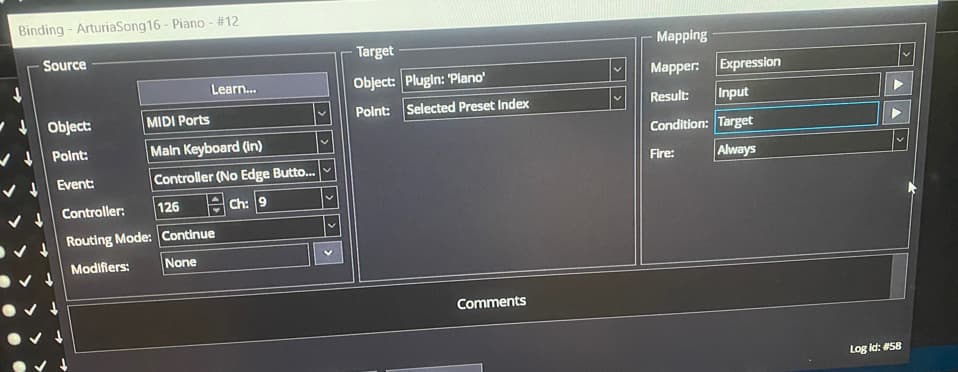
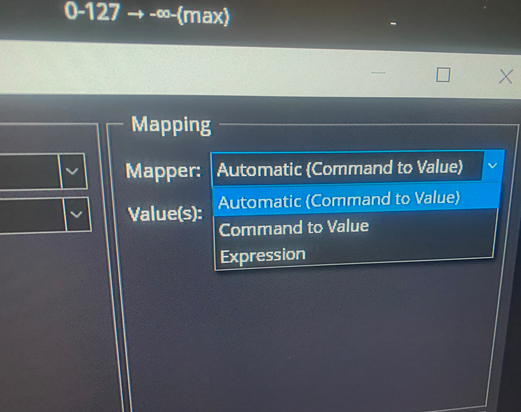
Live keyboard setup. This was working in 4.0 Build 4031. Rebuilding presets after update to 4328, the editor is different and I don’t see the same parameters. The parameter I used to set,. as I recall, was “preset index” and it worked great. Looking for the same functionality to quickly choose a different preset (read: silly piano to outrageous rave tone) from a flick of a keyboard controller rotary knob.All I’m seeing is select specific preset. That works, but requires multiple keystrokes on the controller.
I’m looking to see the number on the controller as adjusted by the rotary knob, like “1” or “10” and have that correspond the plugin preset of the same number. That way I can memorize what patches are at what number and quickly scroll to them instead of typing out program change commands. Select Specific Preset won’t do the job.
Plugin is Xpand!2 Air - this plugin does not support MIDI program change. So I want to use the Cantabile plugin snapshot feature as a workaround.