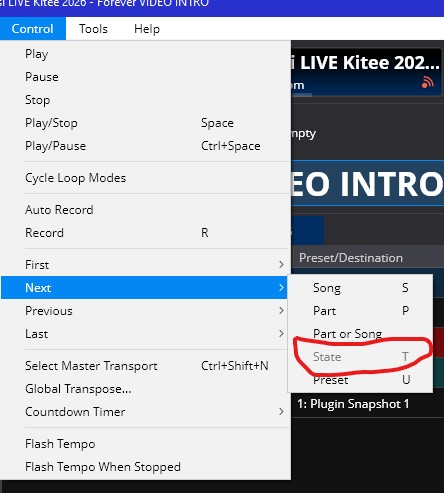
Hi everyone, I’m having a problem with the State switch control. By default, it’s assigned to the keyboard on the letter T. It’s always worked, but now it works for a while, then it turns off, I don’t know why, and it no longer changes states. I need to re-load the song, it works again, then it doesn’t work anymore. Do you know why? Thank you.
Hi @Mistheria
This is most likely because focus has moved to somewhere where that State command doesn’t apply. Because this command can work to change song or rack states, it needs to know which song or rack to work with - which means a song or rack needs to be selected. eg: if you move to Show Notes panel it will become disabled.
Some suggestions:
- If you just want to switch song states, the Next “Part” command does the same thing, but always on the current song.
- If you want to use the Next State, make sure a song or rack is active in the UI. ie: click back in the main routing panel somewhere.
That said, it seems like there are definitely places where this should be enabled but it’s not. Also, it should probably fallback to song states if nothing suitable is selected. I’ll look into it.
In the meantime… clicking back in the song’s routing table should be quicker than reloading the song.
1 Like
Thanks @brad for the tips, however, as you know, I use Cantabile for years now and states change never had such strange behaviour. I’ll try to understand where the problem is, meanwhile please let me know if you discover something, I’ve upcoming shows and need song states working properly. Thank you!
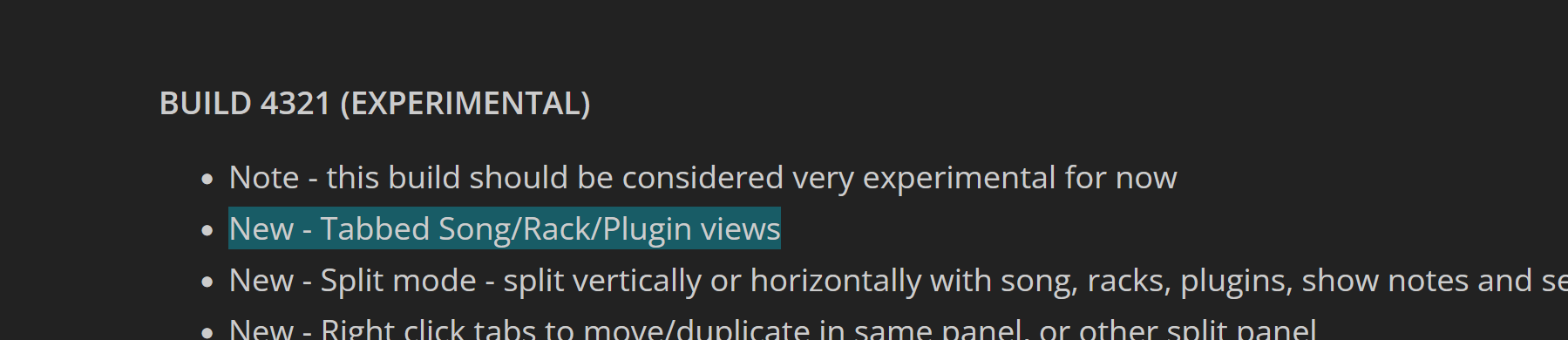
I think this was caused by the introduction of tabbed views here. It’s on my list to look into soon.
1 Like
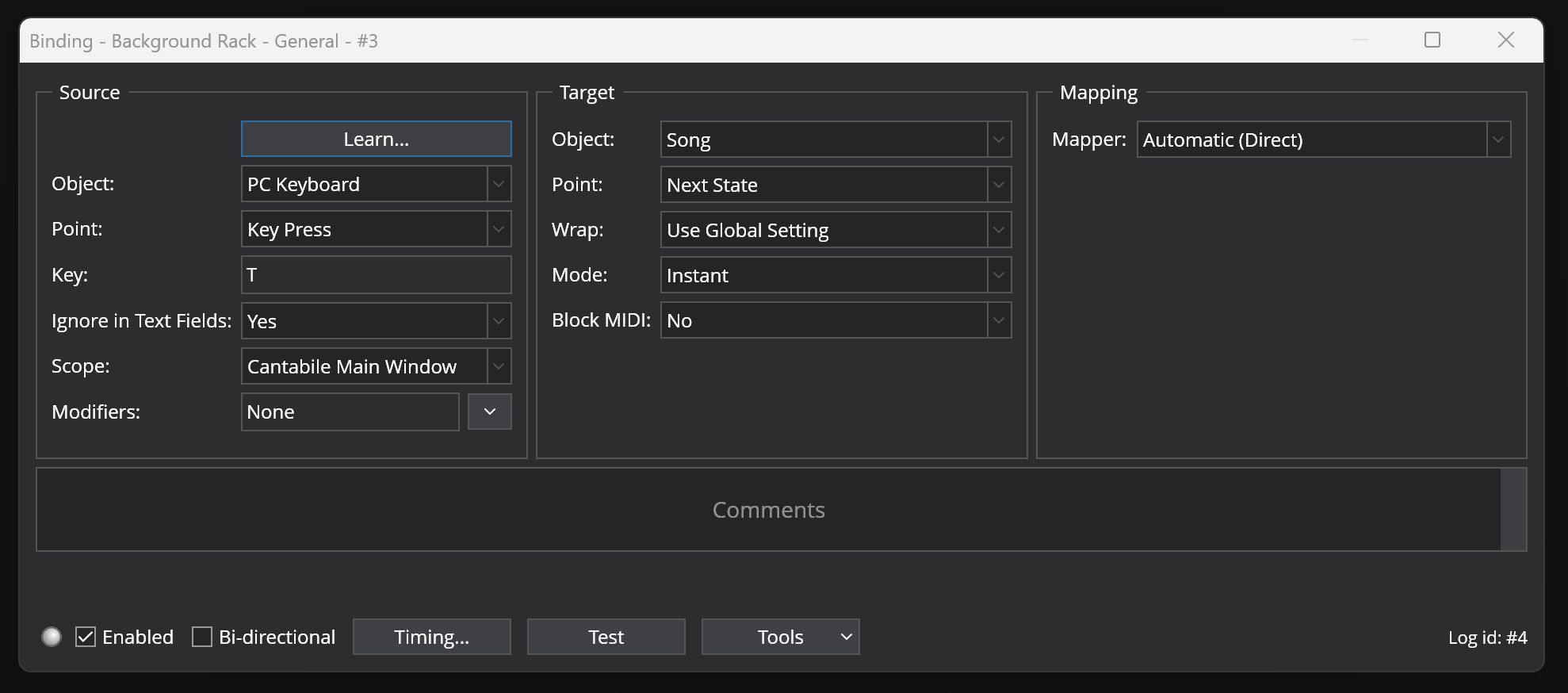
If you need a fix for this before I get to it you could create bindings in the background rack for it.
eg: This will work so long as Cantabile’s main window is focused:
1 Like
Thanks so much @brad it will help for now. I’ll try it later today when I’ll be in the studio.
Experimental build 4354 is up now and should fix this.
1 Like
Thanks a lot @brad for the quick fix, much appreciated! So, I guess, you suggest me to install this experimental version for now.
Most of the recent releases have been pretty low risk changes so it should be fine to use so long as you give it a quick play through confidence test before going live with it.
If that’s too risky, or if you’d prefer keep your current build then the bindings trick I posted above is the safer option.
Sure, thanks so much @brad I just downloaded and installed the exp version, tsting it today and during the next couple of days. I’ll let you know how ..
And of course as soon as I say it’s low risk, I find a bug in it - caused by the fix for this disabled command.
Anyway, doing a build now it should be up soon. You’ll want 4355, not 4354.
Brad
1 Like
Thanks for your amazing work and support! Looking forward to the stable 4355. Thanks again!
1 Like
It’s up now.
1 Like
@brad thank you so much!
Sorry @brad I can’t see 4355 as stable version, as experimental only
That’s correct.
All new builds are automatically marked as experimental and promoted to stable once a suitable period of time has passed (depending on how significant the changes were).
Brad
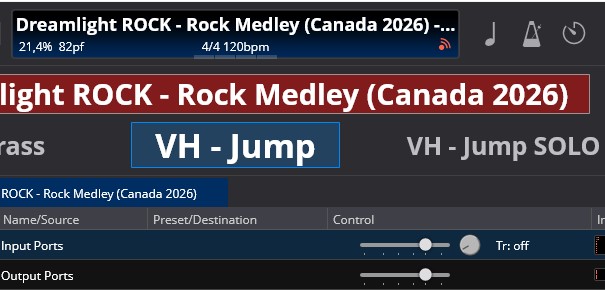
@brad even in the exp v.4355 if I move the focus, for example, on the States bar in the main window, the T change state command does not work anymore. Look at the attached screenshot. The focus is on the “VH-Jump” in the States bar, pressing the T does not change States anymore. I need to highlight “Input ports” to have the T workin again.
Ugh sorry… I’ll get it right eventually.
2 Likes
Thank you!  It works now, perfect!
1 Like