Does anyone know of a way to either a) keep the Background Rack view from closing when changing songs; or b) reopening the view automatically each time a new song starts?
I use the BR for things like the bass and drums, which are needed for just about every song. This means that the song has less to do when it starts. If I hit View → Background Rack, I can put it at the bottom of the screen as a quick check to see that the plugins in the BR are as I expected. Works like a charm … but the window closes with each new song.
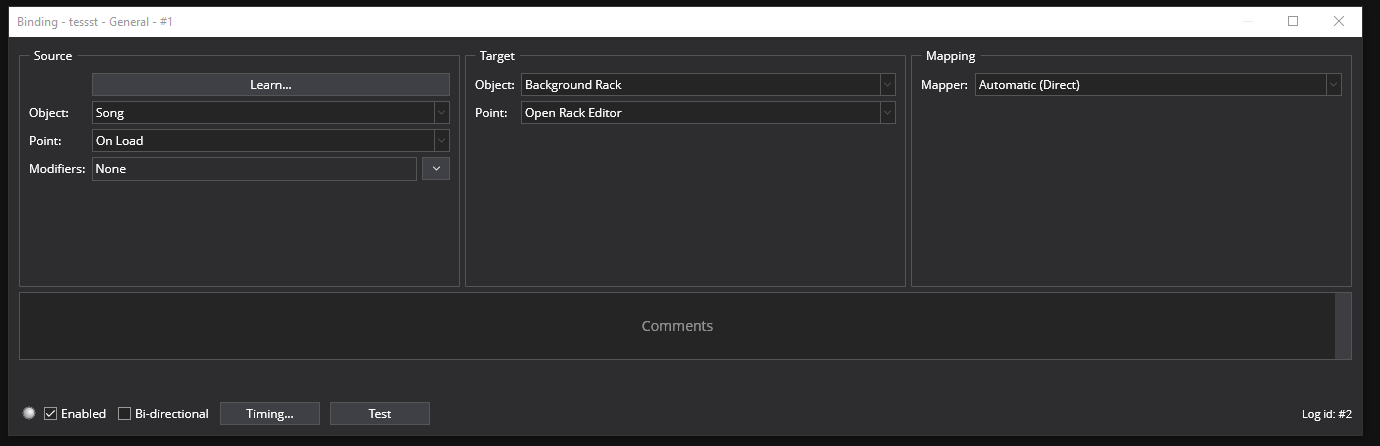
I see that there are View items that can trigger with Song → On Load, but the BR isn’t one of them.
@brad On a related note: there are certain toolbars, windows, etc. that I tend to leave open all the time. (I’m sure my list is different from the next player’s.) Sometimes things like opening a new song or saving will close these items, and I have to open them again. I would love to be able to lock any specific window/toolbar/etc. open and in place, if I chose to do so. Just a suggestion for a future upgrade when you’re bored!
It’s generally the window at the bottom, which is – for me – either the Background Rack, or another rack that I have open to edit or view the connections. Now, one could argue that opening a new song should close any intermediate racks, but the same thing usually happens when I save an open song without exiting. (I make minor volume level changes a lot, then save the results.) It doesn’t close the window all the time, though, and I haven’t figured out the criteria yet.
I’ve just been reviewing logged trello tasks and hit on this one (here).
I think this issue now resolved by the new tabbed views (or at least not longer relevant).
With the new tabbed views, each song restores the previously opened set of splits and tabs - so if you have the background rack open in both the current and next song it’ll stay open.
Also, if you open the background rack in live mode - it’ll stay open across all song changes.
Yes, it’s definitely better, but there still is a wrinkle that you might be able to fix at some point. Or maybe you can tell me what I need to change to fix the problem.
I have a media player in the Background Rack that I use to play MIDI data in songs, rather than playing them directly from the song itself. This allows me to 1) use the song in performance, or as a standalone super-program for my setup; 2) simplifies the transition from playing a song in Sonar by Bandlab (for creation) to playing it in Cantabile; and 3) even allows me to play multiple Cantabile songs from the same MIDI file. #2 is important because I already had more than 100 Cakewalk/Sonar songs created when I made the transition to 100% Cantabile performance, and didn’t want to spend the time massaging them into Cantabile songs that auto-played.
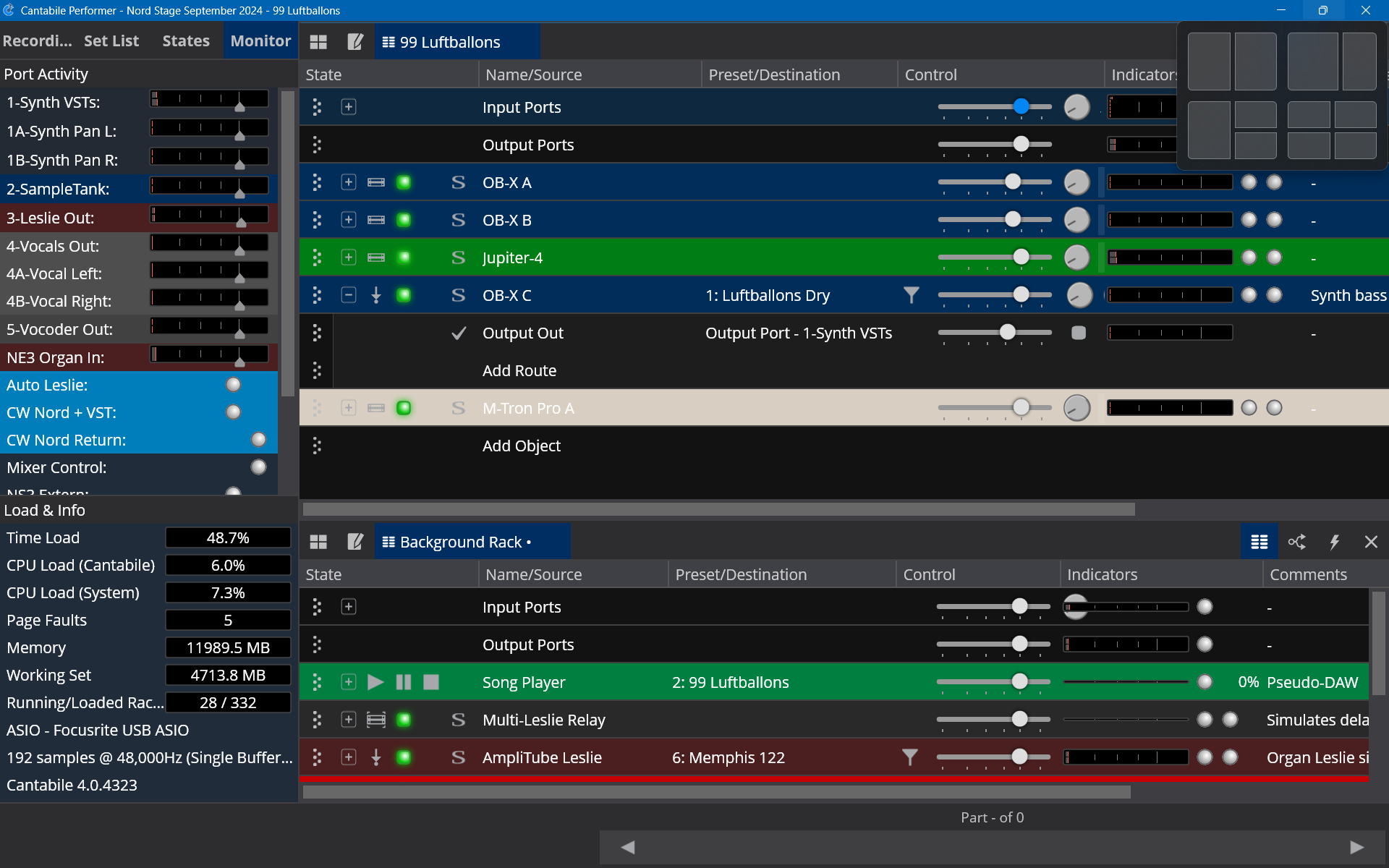
Anyway, each song is saved with dual horizontal (top-bottom) windows: the top one is the main song, and the bottom one shows the Background Rack.
I use keystroke bindings to start, pause, and stop the song. When I start the song:
If playback of the song (in the BR Media player) is started with the Background Rack in focus, everything remains the same visually when the song plays –
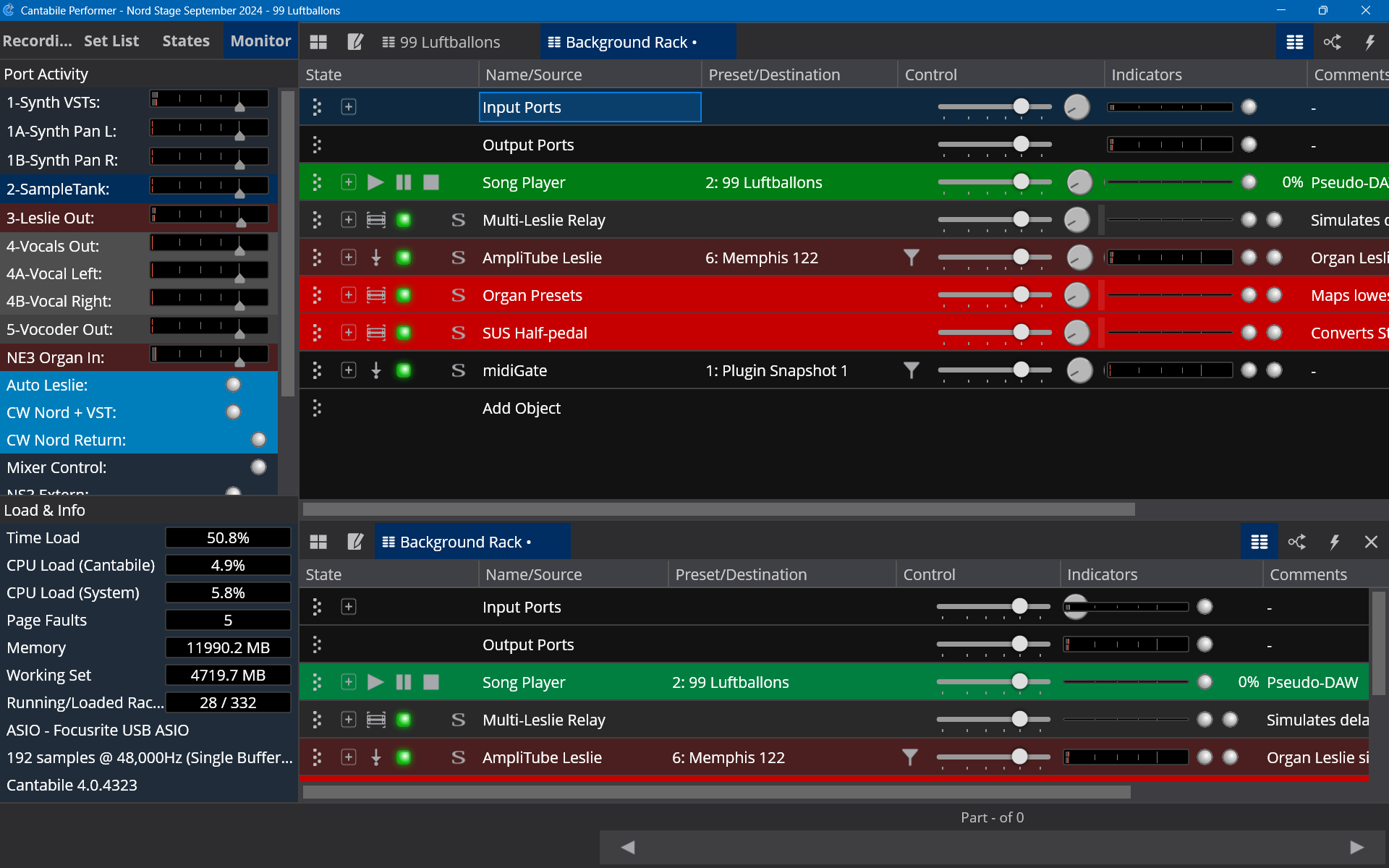
If playback is started with the main window in focus, though, Cantabile opens a second copy of the Background Rack in the top window, which obscures the main song information. If I want to see the main window again, I have to use the keyboard or mouse to return focus to the proper window – which isn’t always convenient in mid-performance.
I’m not sure if in your use case it would help but try saving the Song while the BG rack in the lower pane is in focus. It should load the song with the same focus as you saved it in.
@dave_dore Thanks, I’ll try that. It would help in many (most?) cases, since I generally want to look at the main window for VU meters, bypassing, etc. and such while performing, rather than edit the items themselves. Of course, I’ll have to get used to checking the focus window before saving a song!
It still would be nice to have an option like, “Don’t open multiple folders of the same item.” Not a deal-breaker, but I can ask!