I’m not convinced everything installed properly. The ‘Chocolatey’ panel froze completely and I had to reset the computer. I may have to start again. Back at base later today, so I’ll make attempt #2.
I think I have everything as it should be as far as installation. Here’s the dialogue from the cmd window:
===
Microsoft Windows [Version 10.0.26100.4652]
(c) Microsoft Corporation. All rights reserved.

C:\Users\pward>cantabile-media-server --list-midi-devices
0: rtpMIDIHP

C:\Users\pward>cantabile-media-server -verbose
Unknown command line arg: -verbose

C:\Users\pward>cd documents

C:\Users\pward\Documents>cd mymediaserver

C:\Users\pward\Documents\MyMediaServer>cantabile-media-server -verbose
Unknown command line arg: -verbose

C:\Users\pward\Documents\MyMediaServer>cantabile-media-server
cantabile-media-server 0.0.14
Copyright (C) 2024 Topten Software. All Rights Reserved
Found Ghostscript executable at C:\Program Files\gs\gs10.05.1\bin\gswin64c.exe
PDF rendering resolution: 300
Server running on [::]:3000 (IPv6)
===
@Brad You’ll notice that I’m not seeing the response as documented on Github - I’m guessing that doesn’t bode well?
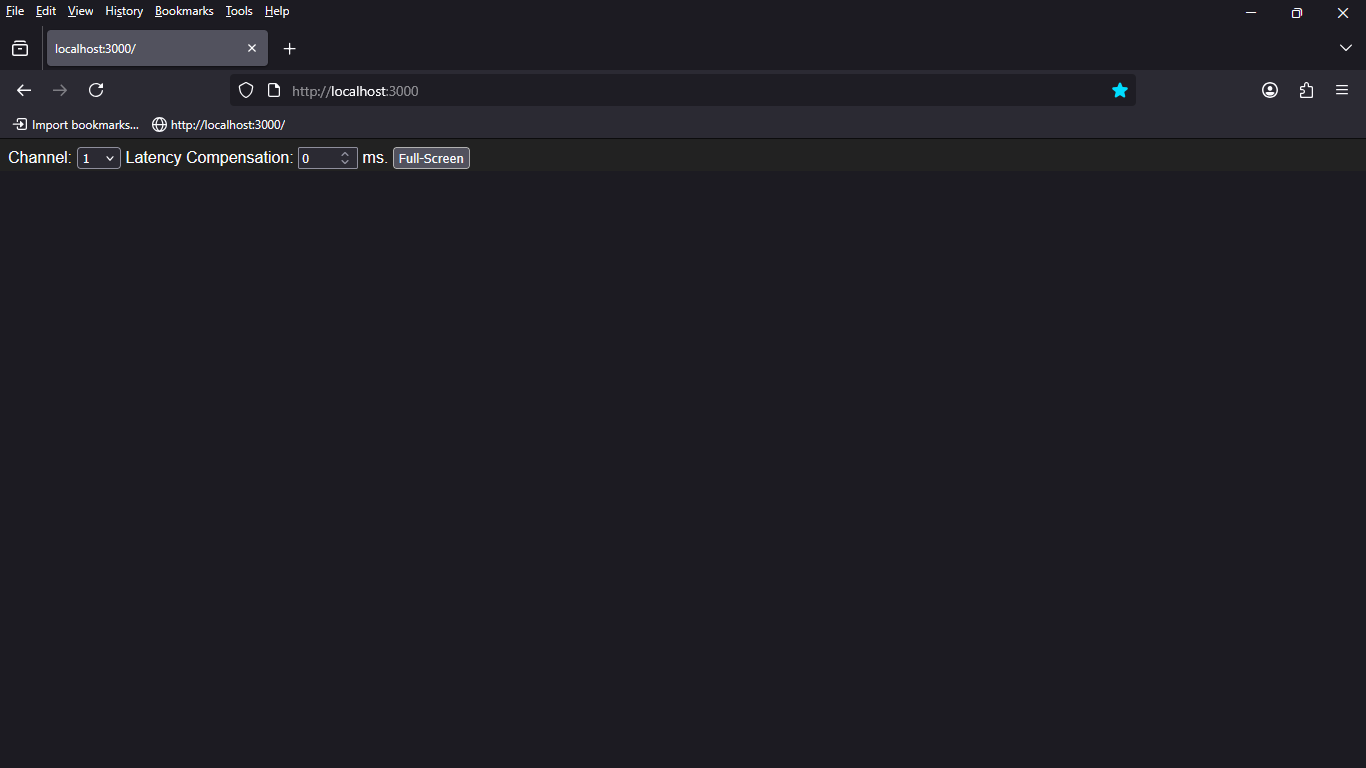
localhost:3000 in Firefox is showing a screen with Channel, Latency Compensation and ‘Full-Screen’ options.
Program Change messages and MMC ‘Play’ commands from my other laptop are doing nothing and I’m not seeing my ‘default’ picture. Firefox just shows a blank screen.
Here are the config and list files from C:\Users\pward\Documents\MyMediaServer:
config.json
{
    "baseDir": ".",
    "midiPort": "rtpMIDIHP",
    "port": 3000,
    "programList": "programList.txt",
}
programList.txt
# specifies the default for any programs not explicitly stated
default: pic.jpg

# specifies the base program number (0 or 1)
base: 1

# program number to media file mapping
1: pic.jpg
2: 02 Wavestar.mpg
3: 03 Analog-1.mpg
4: 04 Analog-2.mpg
5: 05 Osaka-1.mpg
6: 06 Osaka-2.mpg
7: 01 Dragon Song.mpg

# WebRTC/WHEP realtime (camera) feeds are supported using webrtc+(url) format.
# Note: the URL must be the WHEP endpoint
# 7: webrtc+http://localhost:8889/camera1/whep

# program numbers can be in msb.lsb.pr format
# 10.20.30: video1.webm

# or bank.pr format
# 234.10: video2.mp4
==
As a side issue: @Derek - your batch files don’t work for me. I can enter commands in the CMD window, but when I put them in a batch file nothing seems to happen. Adding a ‘pause’ after the commands doesn’t help. It’s as if there’s a crash and the batch cmd window instantly closes without giving me a chance to see what happened. I can’t even use a batch file to enquire on available MIDI ports.
1 Like
Progress:
I moved the videos into a sub-folder and changed the config’s baseDir as appropriate. Now when I send Program Change 1 I can see the static jpg I’ve set at that number. No other Program Change message works, and I’m beginning to wonder if the video files I have are the wrong format… Time to try a few things,
More progress:
I can tell that MMC Play and Stop are working, as the playback speed is being reported (ultimately I will need to know how to avoid having text on the screen!). But I’m still getting nothing but a blank screen (apart from the static jpg file), so my guess is that my videos are in a format my PC can’t play. They came from a Mac system.
Onward and upward…
BINGO!
I converted one video file to a .mp4 and we are in business.
I don’t really understand video file formats, but I can convert what I have to mp4.
I don’t understand why changing the baseDir got me up and running. The instructions suggest a baseDir of “.” should find the videos in the same folder as the config file, but that doesn’t work for me.
Finally…
How do I get rid of the ‘Channel… Latency Compensation… Full-Screen’ text from the screen? Going into full screen still shows it.
1 Like
Glad you are making progress.
As mentioned in my guide I had similar problems with video formats until I converted them to MP4 using a paid for converter. The formats supported are more to do with the MIME types supported in the browser rather than the server itself.
I am not sure why when you go full screen you still get the info, as that does not happen on my system.
What browser are you using?
I cannot say why a batch file would not be working unless it is barfing on some error. Does it work now you have introduced a subfolder?
Ah yes, the batch files are now working with the sub-folder - the ‘-verbose’ parameter still fails, though.
Everything does seem to be working now. But I really need to get that text off the screen. I am using Firefox, but the text remains on screen in both Edge and Chrome too.
I used Handbrake for converting the video files - free!
I’m using MS Edge and start in “kiosk” mode to remove the normal top bar menus AND have to click “Full Screen” every time the browser starts. I have yet to find a way to start Edge in Kiosk/Full Screen.
That’s because it should be --verbose not -verbose (double dash, not single).
The supported videos formats are exactly those as supported by your browser. I’ve considered adding automatic conversion but that’s a pretty heavy load during performance and figured it’s faster/easier to just have them in the correct format to start with.
If you’ve got a lot of files to convert, ChatGPT can probably write you script to batch convert them using handbrake or ffmpeg.
You need to use the shown full screen button, not the browser’s full screen mode. This is due to a weird quirk with the way browsers handle full screen. F11 full screens the entire web page, where as clicking the full screen button full screens just the video panel. The same thing happens in YouTube - compare pressing F11 on a youtube video vs pressing the full screen button in the video panel.
I’ve looked for a way to intercept the browser full screen mode and use it to full screen just the video panel, but seems impossible (if anyone knows how, please let me know).
Thanks for that.
All good, apart from full screen. I am using the button - not the browser’s full screen mode. But the text persists.
That is weird as I am using Firefox and Fullscreen works. I’m away on business this week, but will double check on the weekend when I’m back home.
I’ll also double check my documentation re the – for verbose as Word may have done an autocorrect that I missed. I’ll also add that it needs to be –
But on the whole it looks like you are nearly there. 
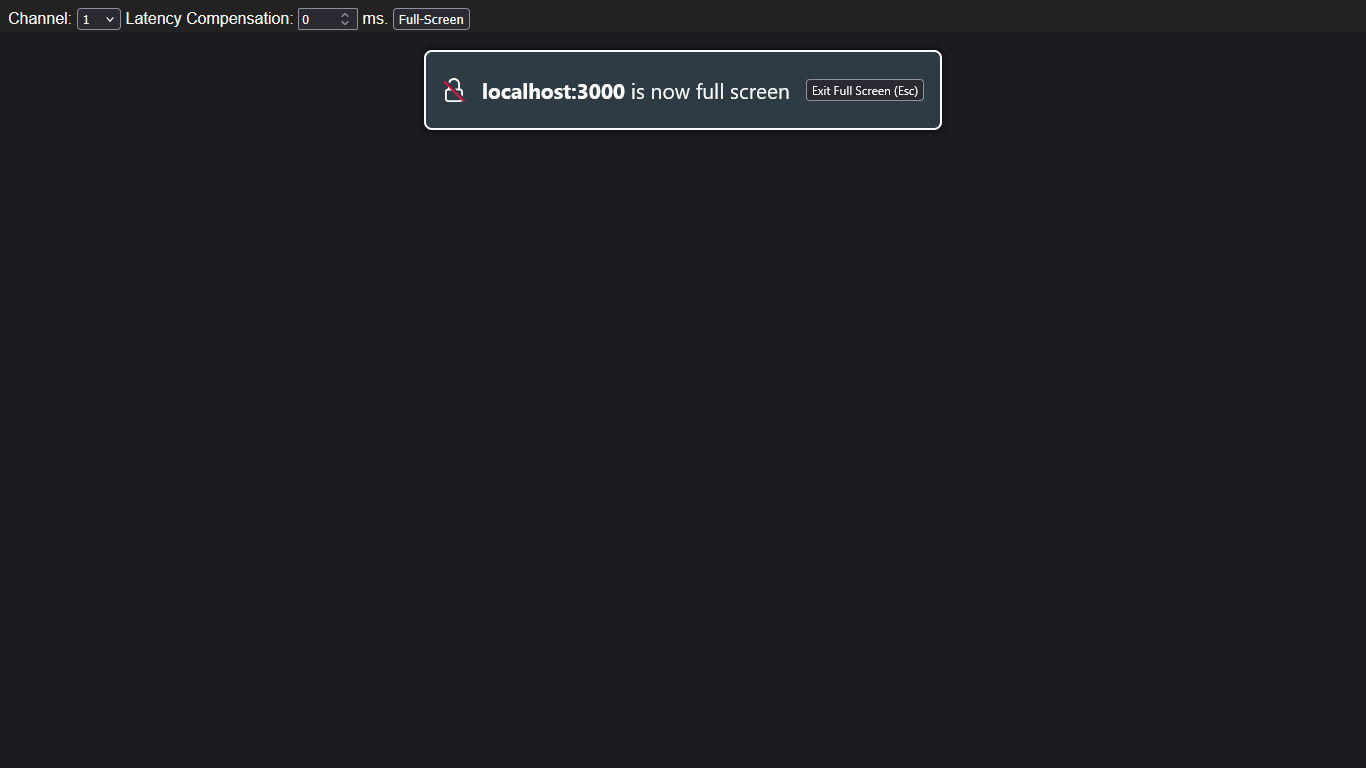
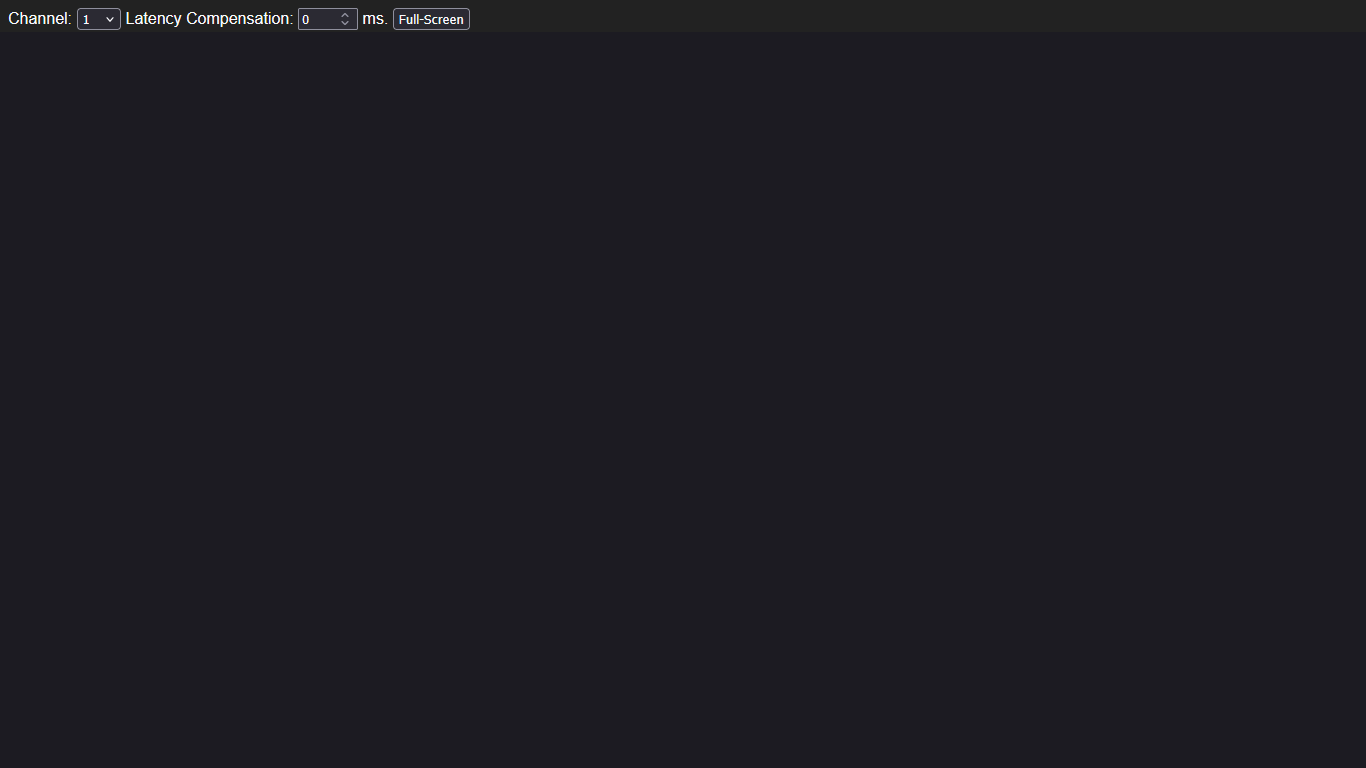
If it helps, here are screenshots of what happens - I’m using the ‘Full-Screen’ button. Actually it seems to make no difference whether I use that button or the browser’s full screen mode (F11):
That’s strange. I start in kiosk mode so the top menu (File, edit, etc.) never appears, so the second screen is where Edge starts. Then, I must click the “Full Screen” button with the mouse and the screen goes totally black until the Cantabile Video Server goes into action.
How do I go into ‘kiosk mode’?
Ah, I think I’ve figured that out. It’s a command line option. But…
I then have a blank screen, no controls and no ability to go to “localhost:3000”! How do I achieve both kiosk mode and also open the link?
I think I get it: “C:\Program Files\Mozilla Firefox\firefox.exe” -kiosk localhost:3000
Adding this for others after me to find.
Add “-kiosk” after “firefox.exe” and before the website to open in the shortcut. I use a shortcut to open the Cantabile Media Server and “-kiosk” is right after the browser executable. Once you are in kiosk mode, cnt-alt-del (task manager) will be required to stop the program (ALT+F4 might close it, too)
Thanks for that. As soon as I’ve completed batch converting the video files I’ll give it a try…
Hope it helps. Both the Cantabile Notes and Cantabile Media Servers are run in Kiosk mode on my system. Notes is Firefox and server is Edge.
Nope. The text still appears at the top. Same as Screenshot 3 above.
This happens in Firefox, Chrome and Edge. I get a blank screen until the browser connects with the Media Server, and then the text appears.
I have everything else working perfectly now. If I can rid myself of this text I have a solution I can take to the next rehearsal.
Very strange. I will double check Firefox on the weekend when I am back home on the weekend.
1 Like
Hi, @The_Elf
Did you resolve the issue?
I have tested things today on Firefox and everything is working as expected when I go to full screen mode.
I did try and record a video to show it, but YouTube is even detecting my backing track as copyright material, so blocking it.
I can take some pictures instead if you wish
Thanks for that. No need to prove it.
But no, I can’t get this resolved on my machine. The text refuses to budge.
I’m back at base tomorrow, so will give it another try, but to be honest I have no idea of a way forward right now.
I guess try a different browser just to see if that cures it. Albeit it is strange that you have the problem but I don’t, so is it some machine setting or Firefox config setting that is preventing it?.
I have noticed a few websites are no longer playing nicely with Firefox, but when I check, they are working in Chrome, which I now need as a “just in case” so much that I might just as well swap to it.
I did wonder is it because Firebox is getting left behind, as I haven’t checked reviews for a while, but on a quick check it is still a recommended browser and scoring highly for privacy.