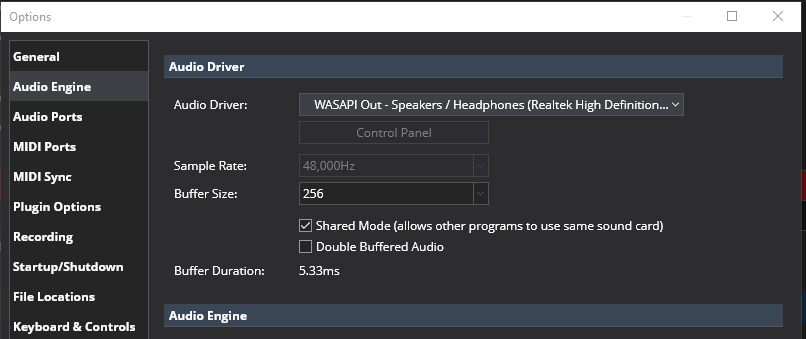
Hi. Total newbee here.
I am learning to play piano. I have an electric keyboard with MIDI to my PC. I want to play my keyboard same time I am doing a “play along” lesson from the web browser.
- How do I configure Cantabile to do this. My prior attempts with other software (Pianoteq) the other software took total control of the audio out and would not allow the browser to play.
- Bonus question: Is there a way I can configure Pianoteq as my vt3 and still have simultanious keyboard and browser sound to the headphones?
Thanks in advance. Much appreciate the help for a new person trying to learn all this kool stuff.