OK,
The 4314 version corrected the blank lower panel split after shutting down the Engine. Thanks!
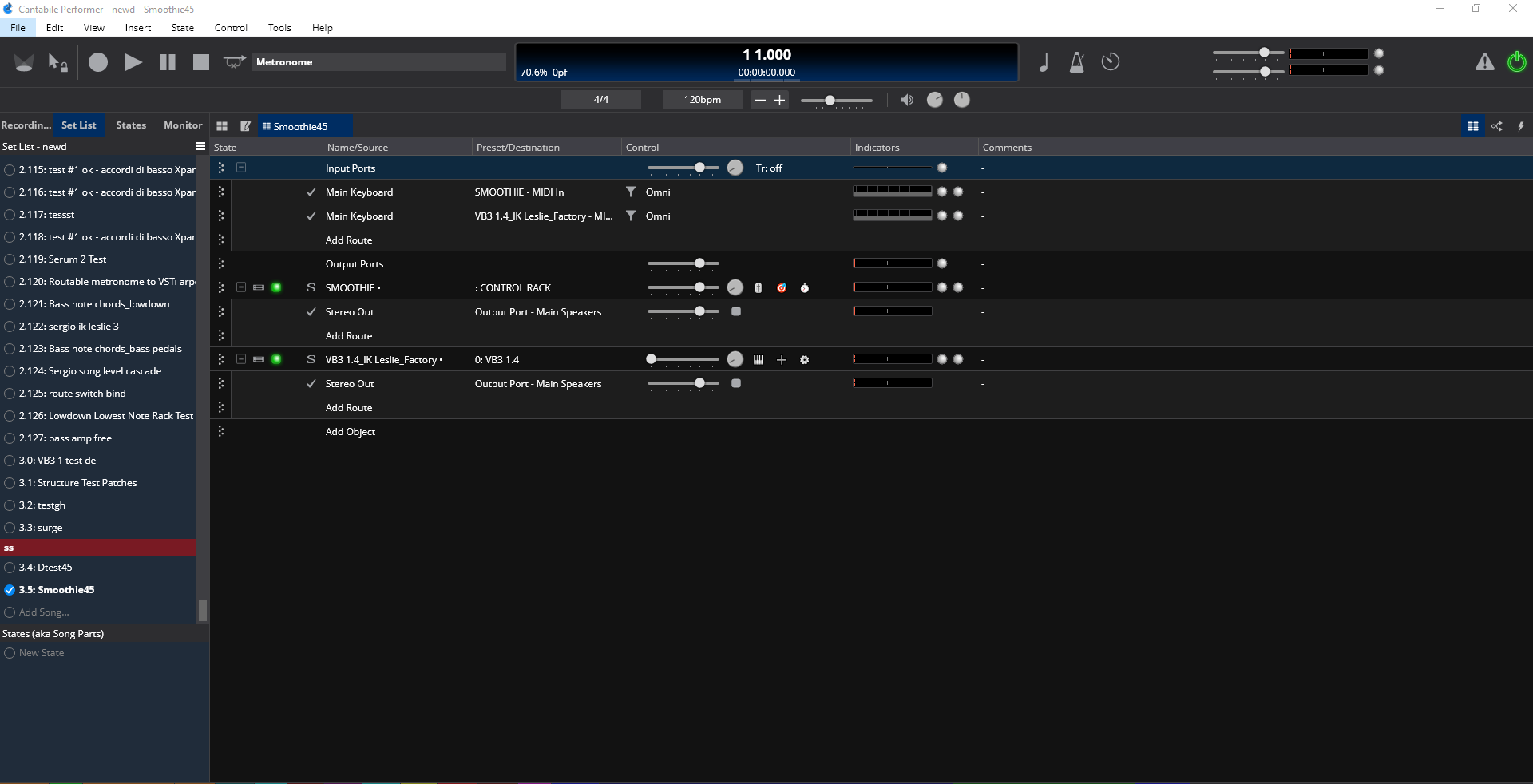
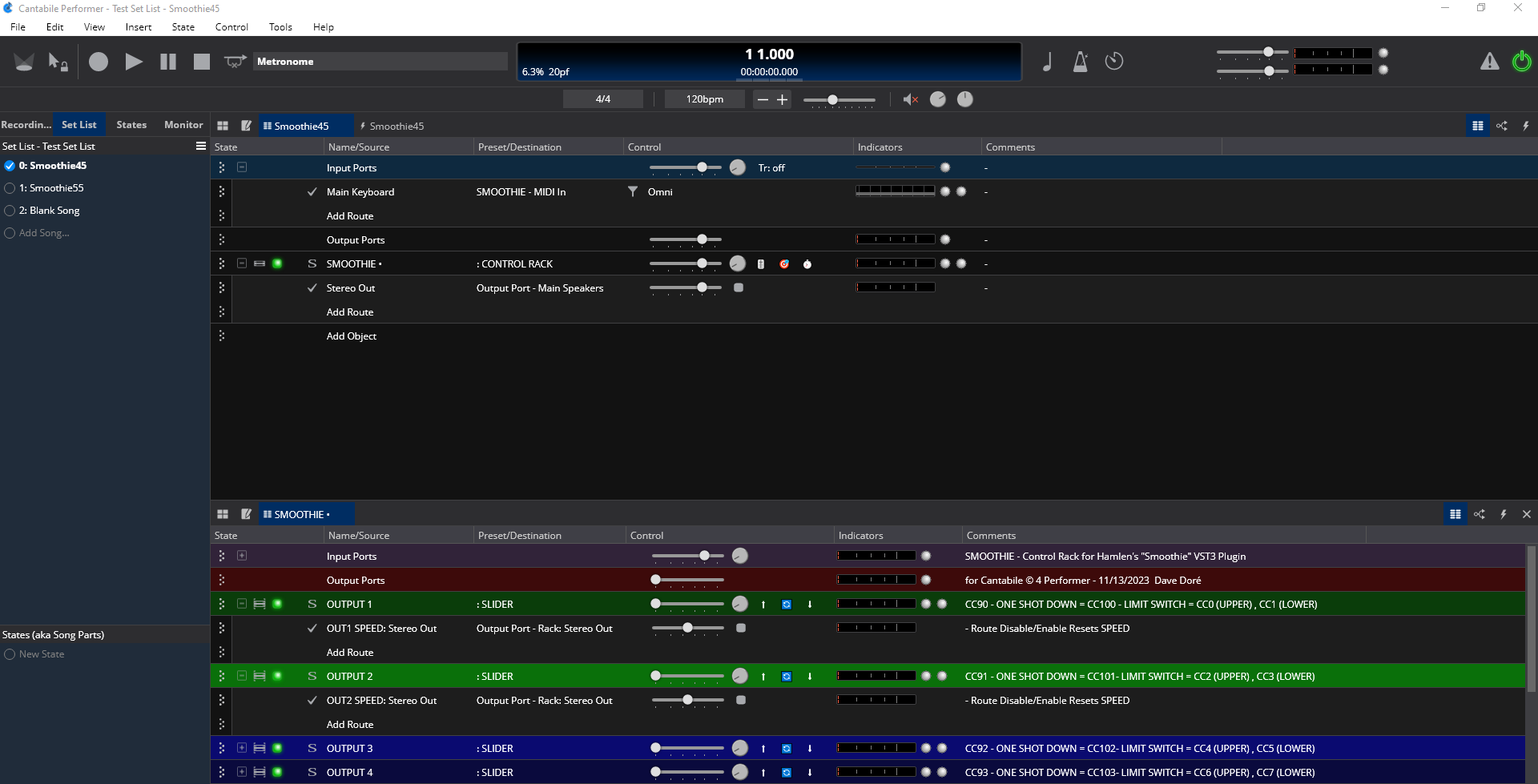
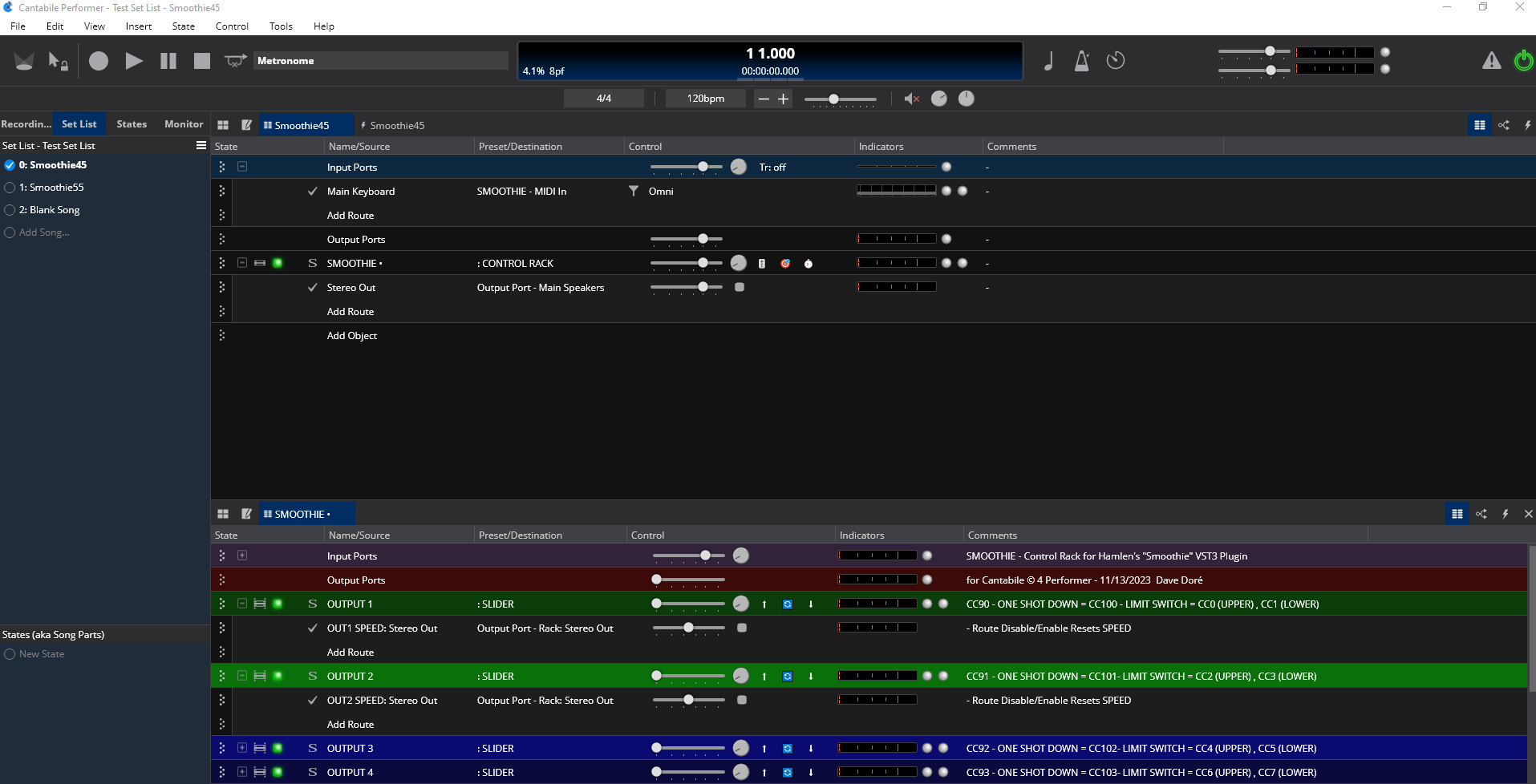
Also I found new issue here. Now I am experiencing a panel going blank similar to the previous issue where it blanked when killing the engine. When switching songs that both had the same rack loaded the blanking out of panels and tabs returned. I’m using the Smoothie rack for this example but it pertains to all linked racks. e.g.
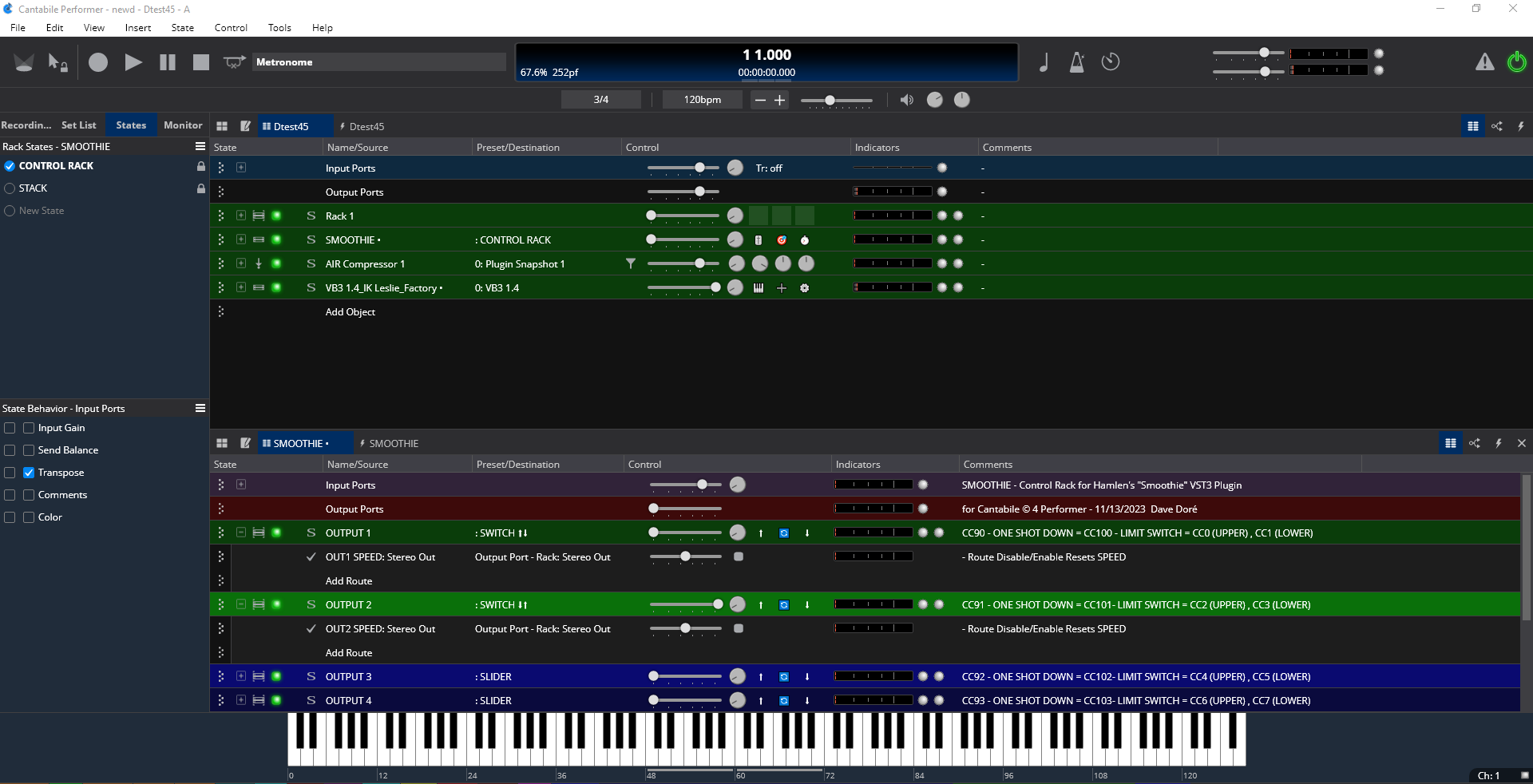
Song with Smoothie rack loaded and visible
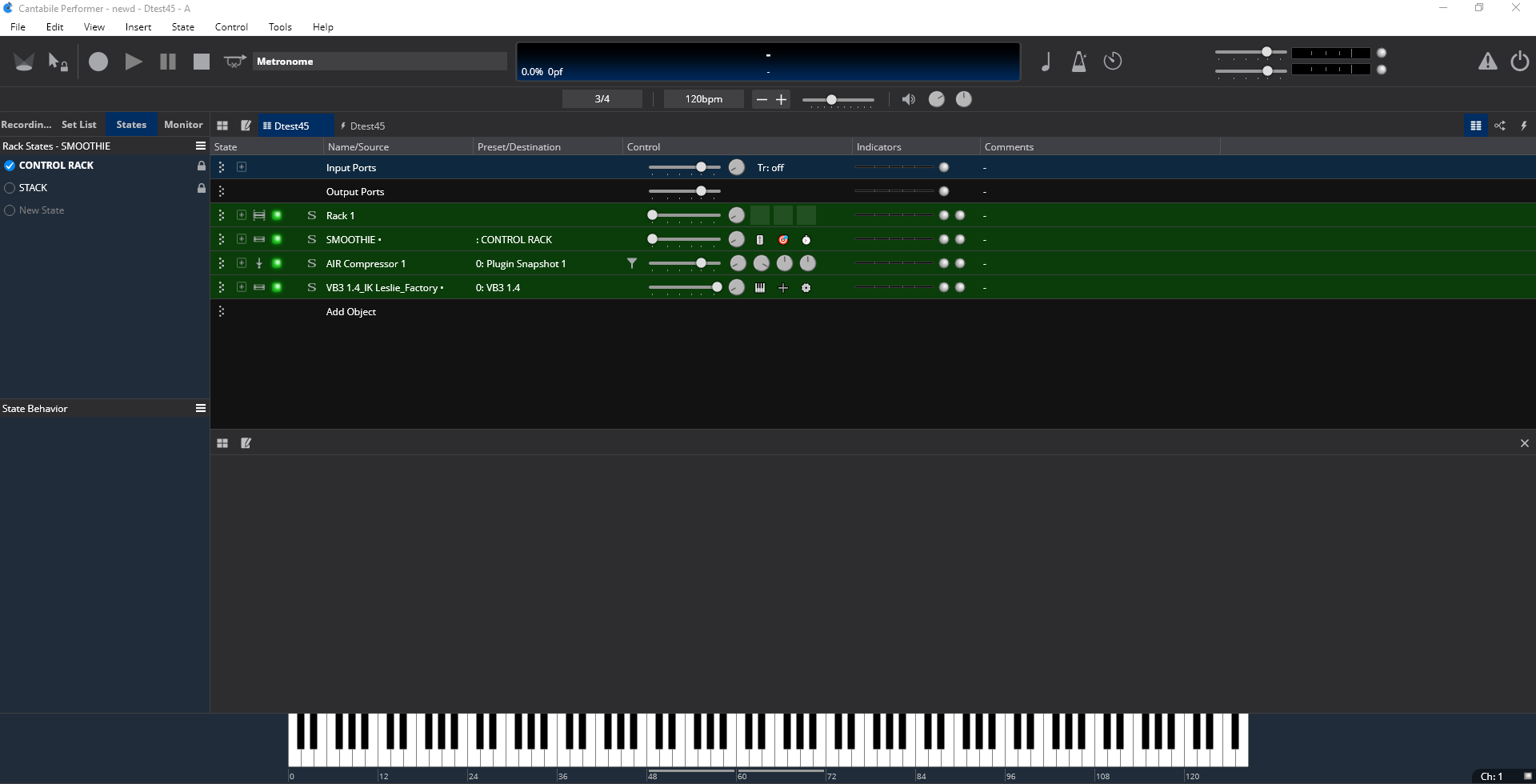
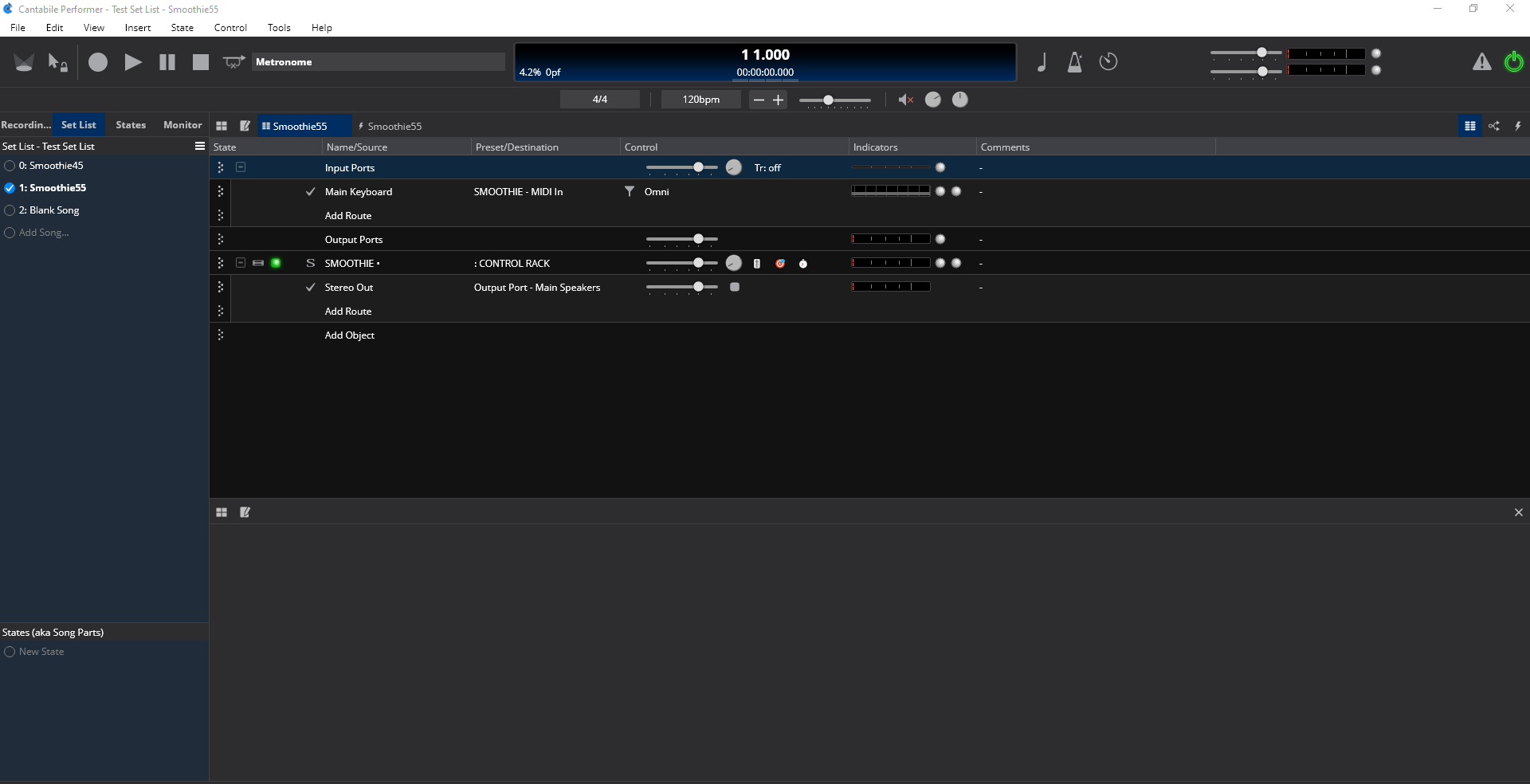
After switching to the next song in the set list that also has Smoothie loaded in it the primary song panel goes blank even without the lower panel and tab set being established in that song.
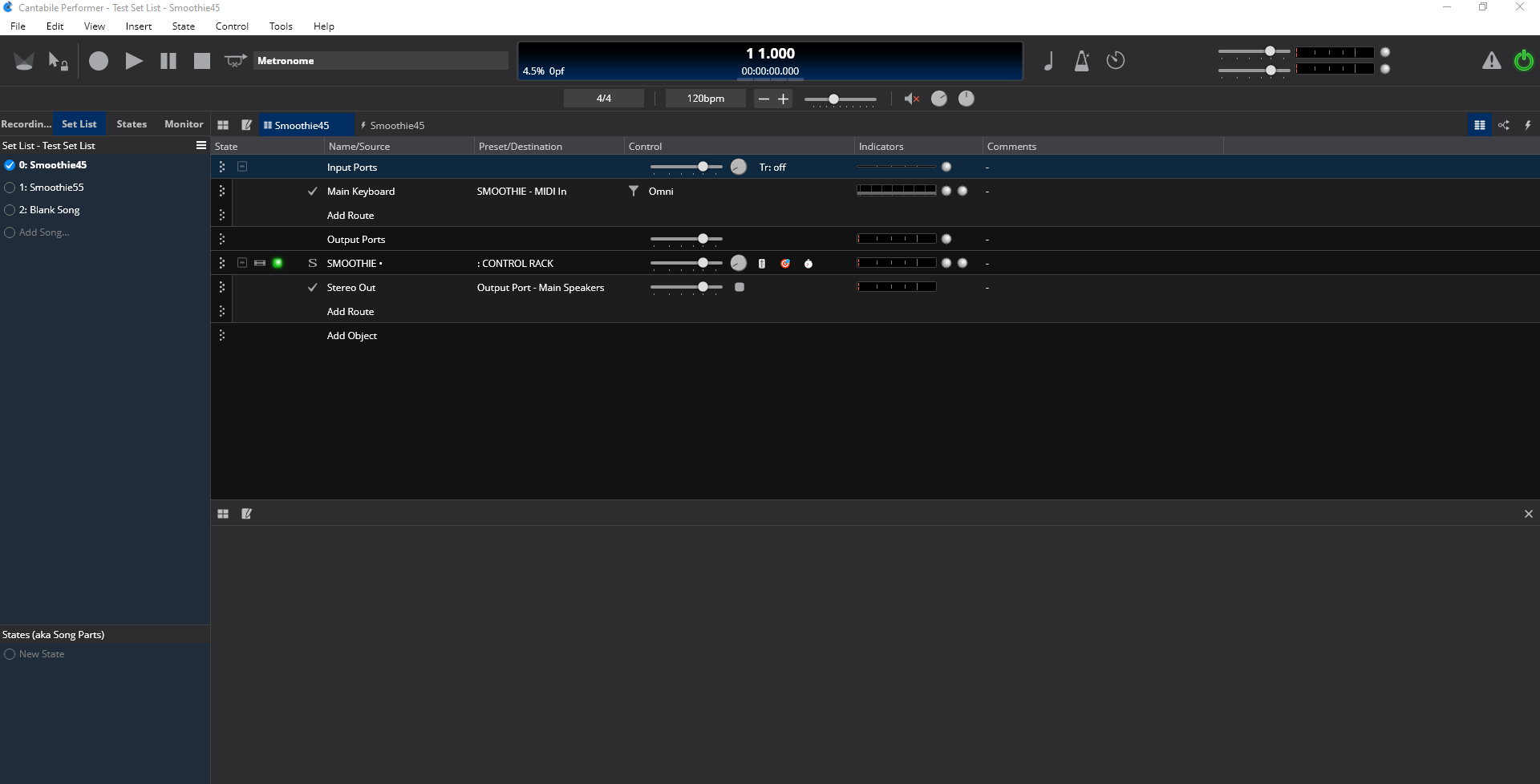
It is corrected by clicking on the first tab in the primary panel and then looks like this.
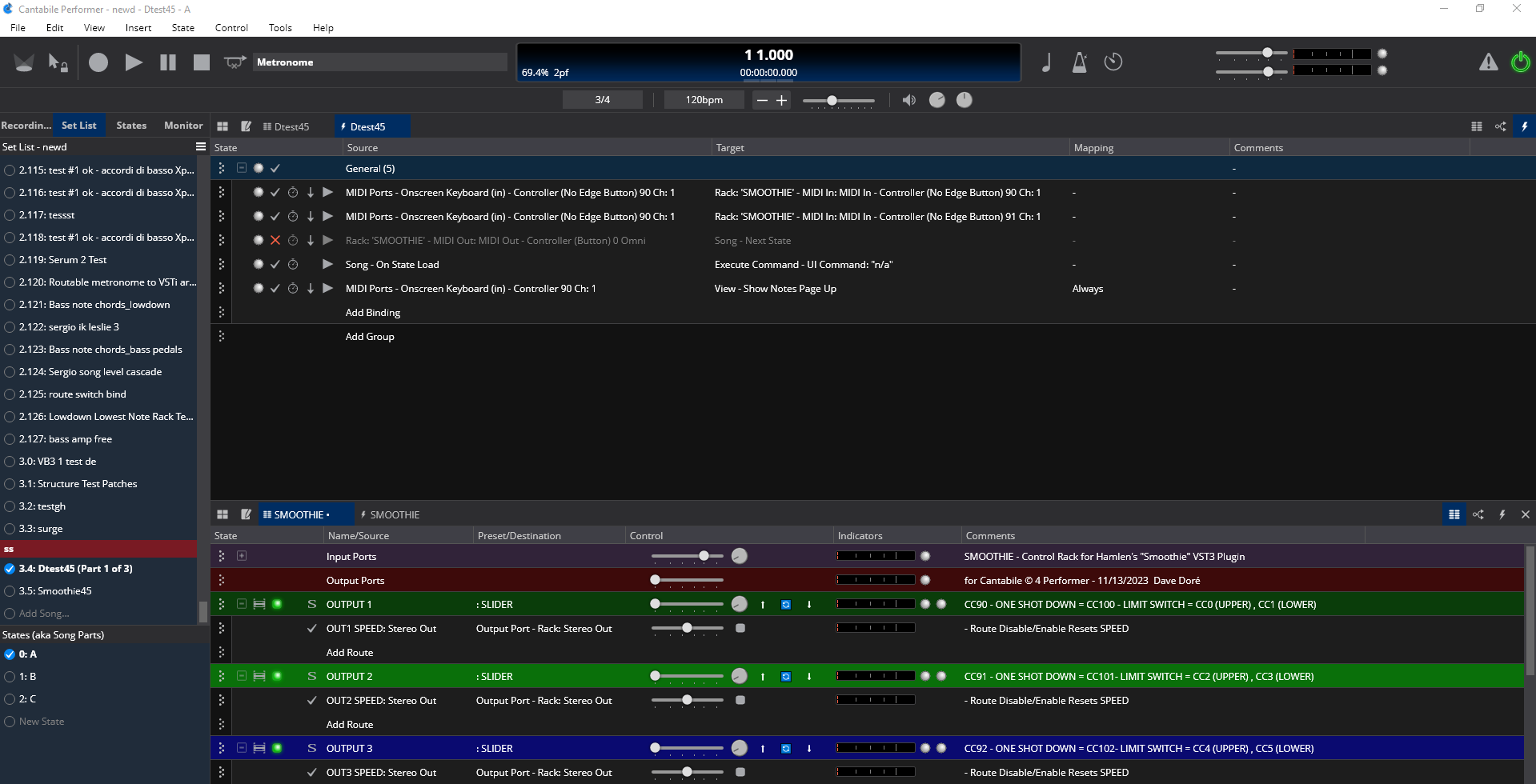
and if I switch back to the song I started on this is the view
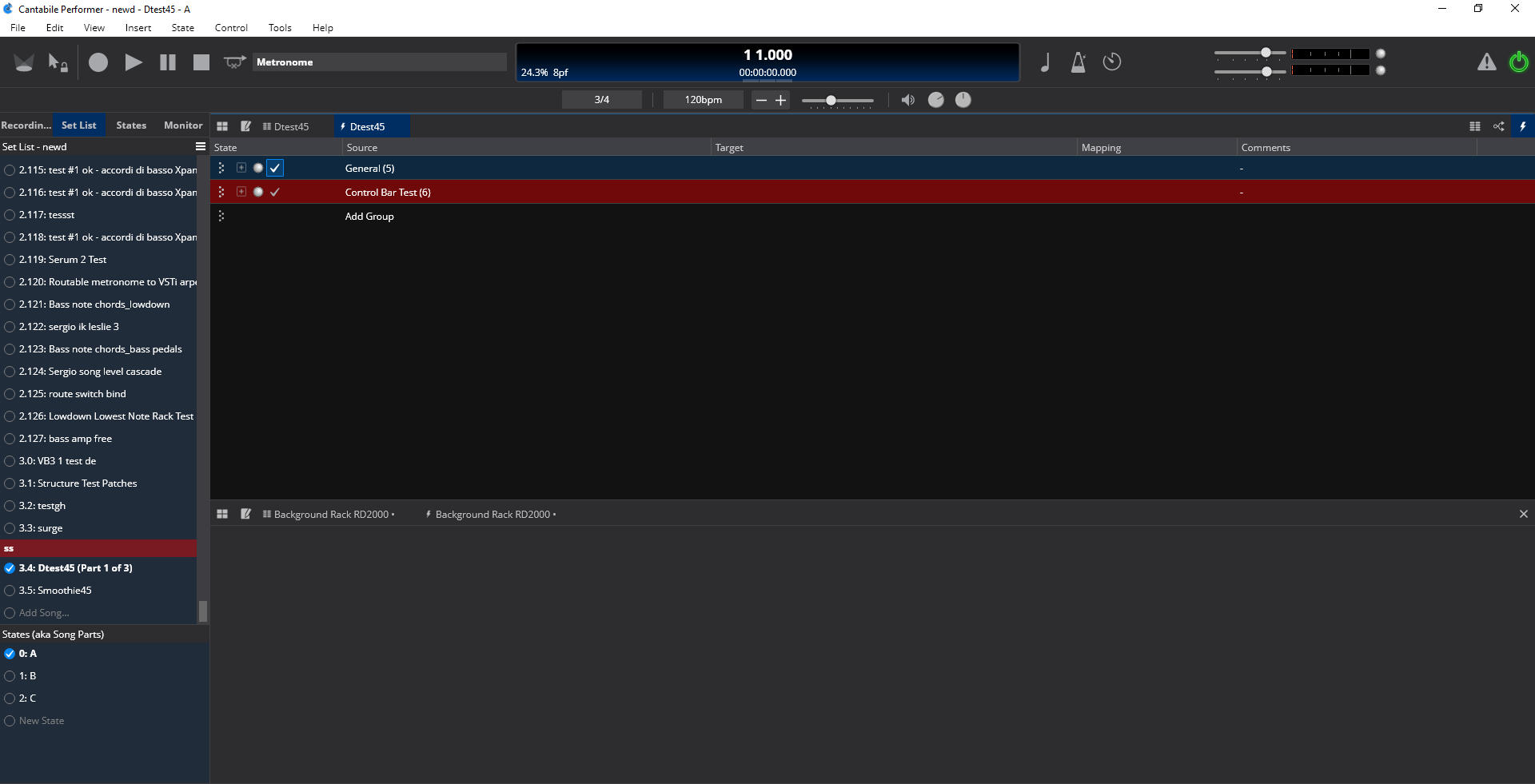
As you see the panel & tabs in the lower pane that were related to the Smoothie rack are blank.
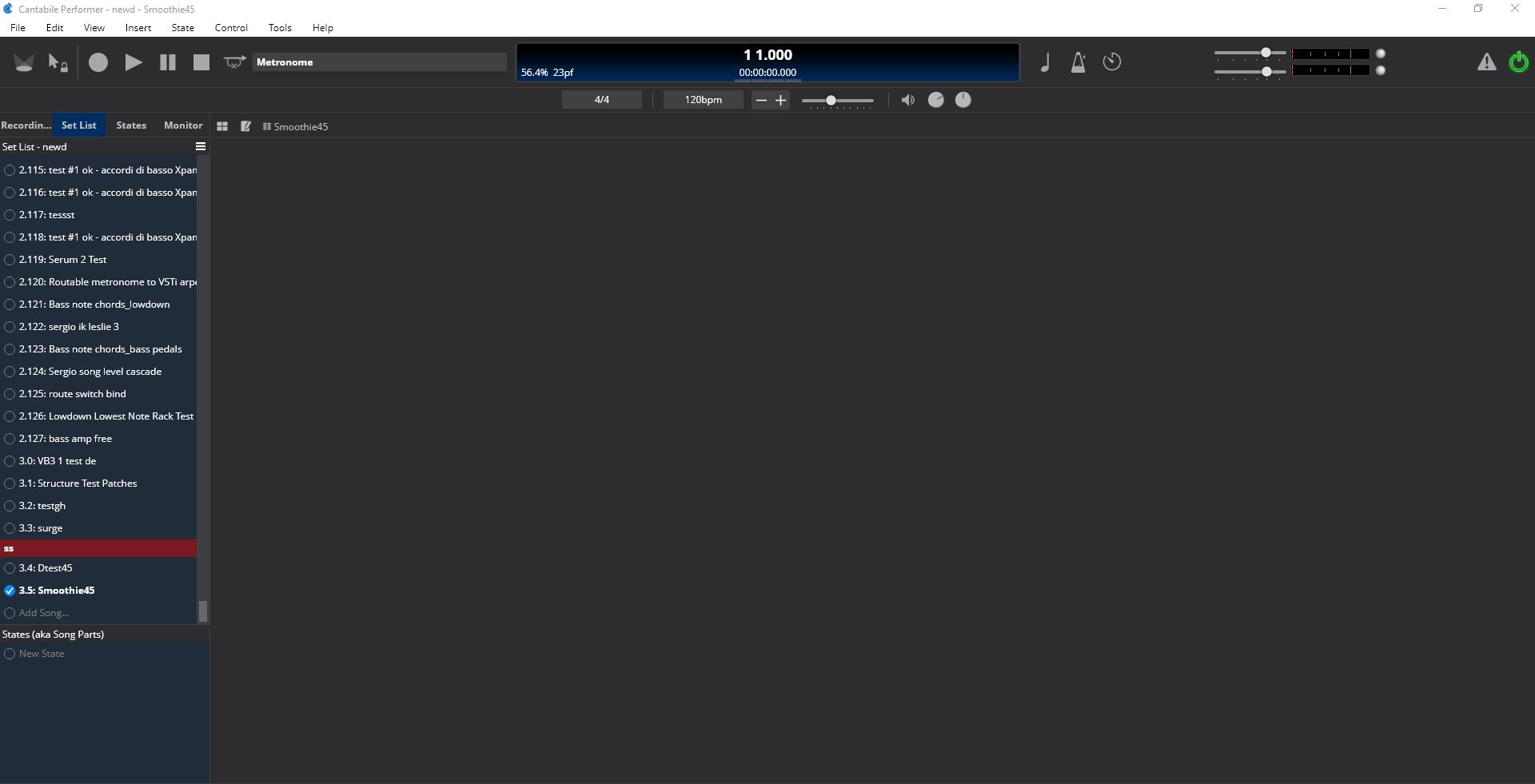
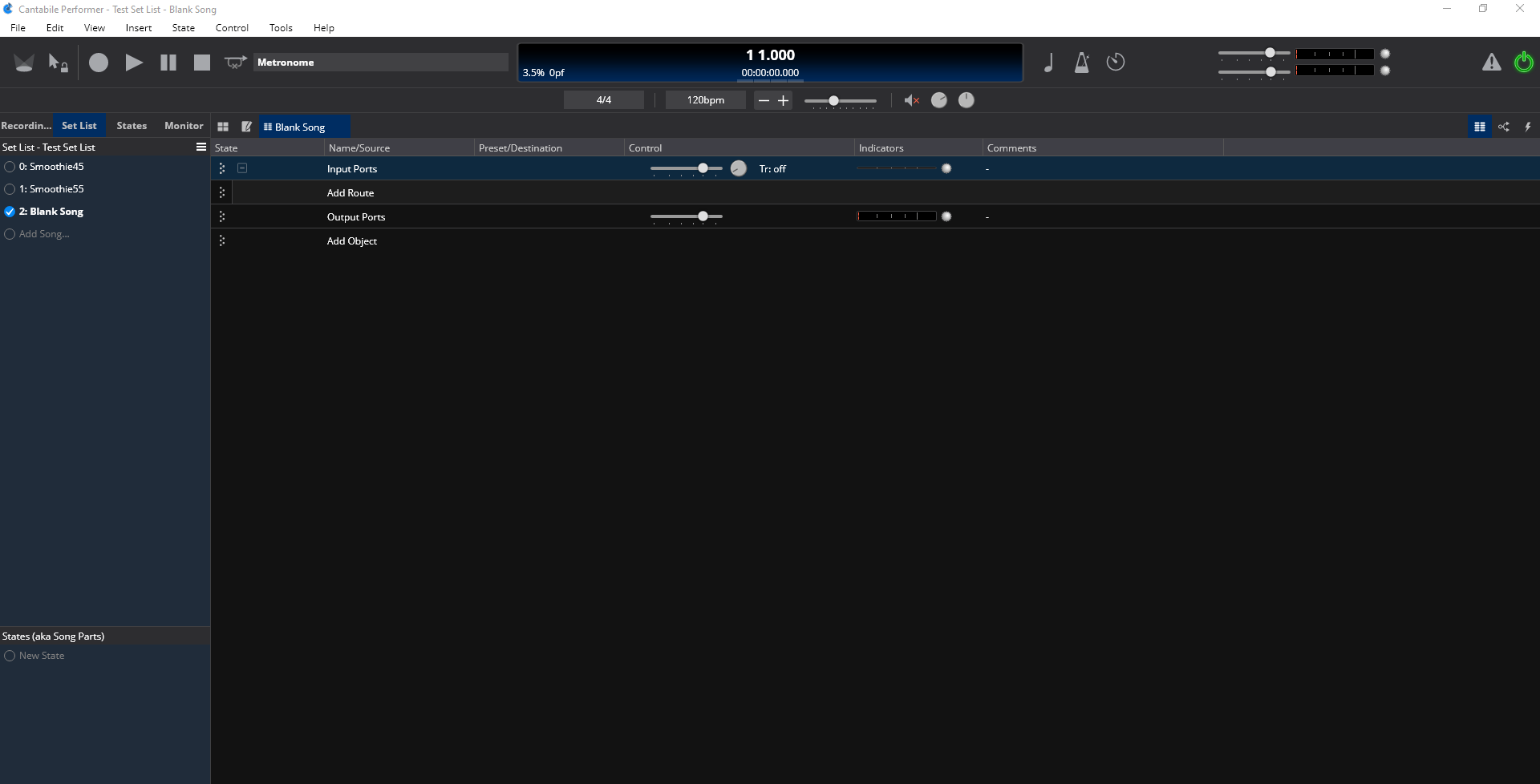
To correct this I switch to a song without the Smoothie rack loaded and then re-open the song again for the tabs to re-appear. Also I can restore them with tab set (if saved). So the file isn’t corrupted but the handling of the linked rack song to song is having troubles.
Like I said above you can work on this when it’s appropriate, not on your holiday. 
Dave
ADDENDUM
I got into checking out the bindings for the new system and found some things that I wanted to ask about.
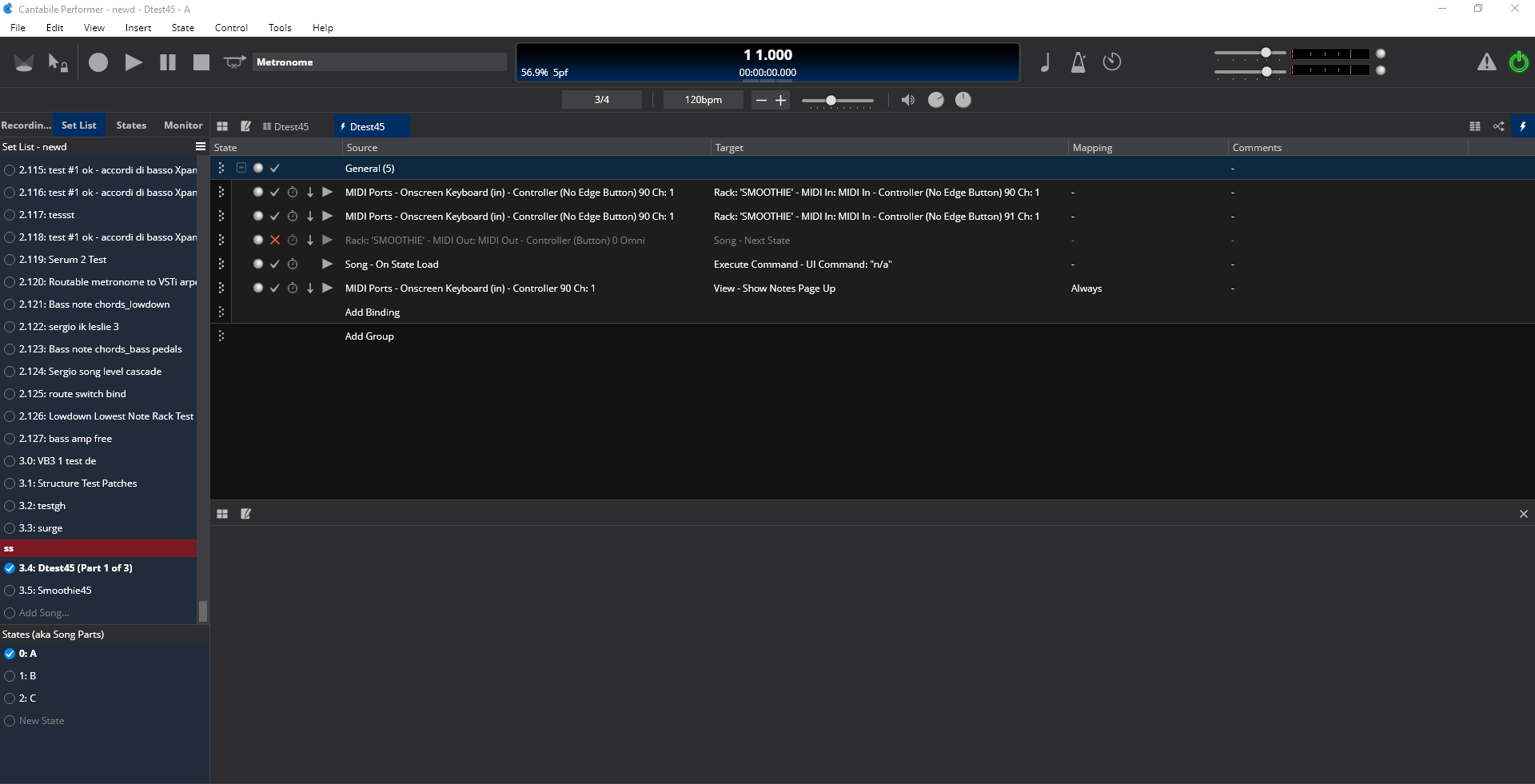
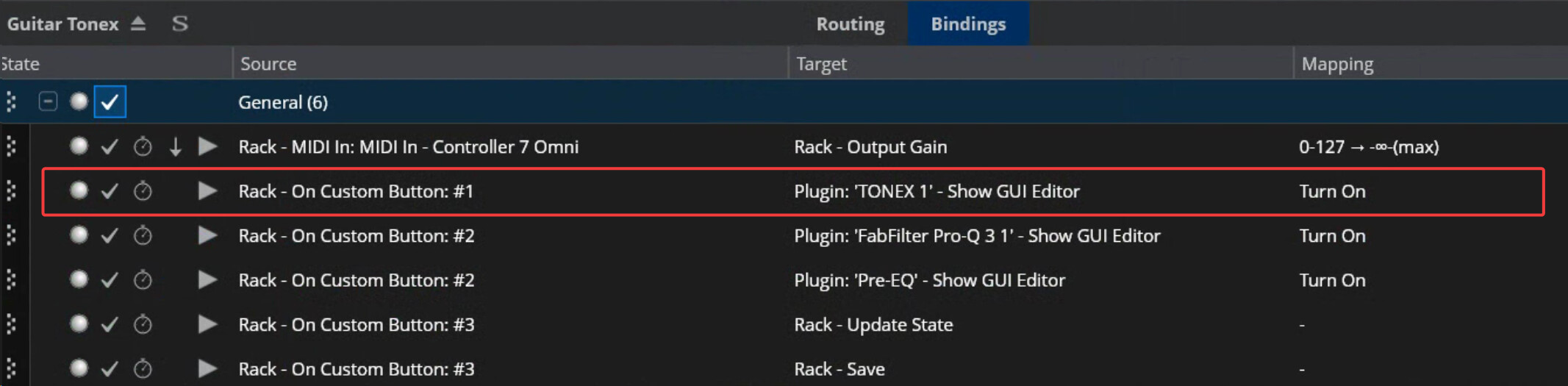
In my test song I’ve been using I first set up a new controller bar with the common 6 CC buttons momentary buttons. Then I set up 6 bindings to exercise the view functions for the new tab systems.
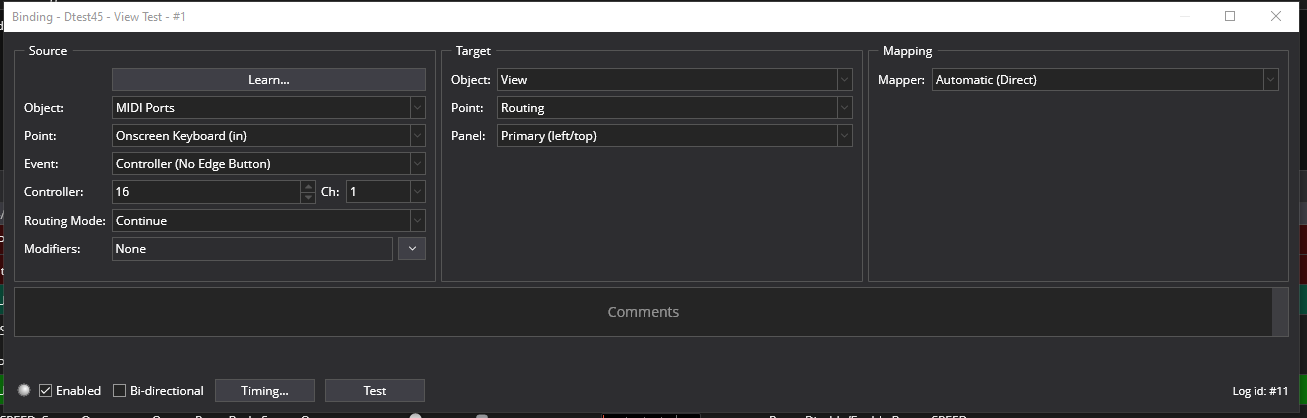
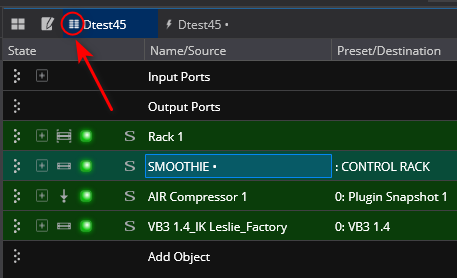
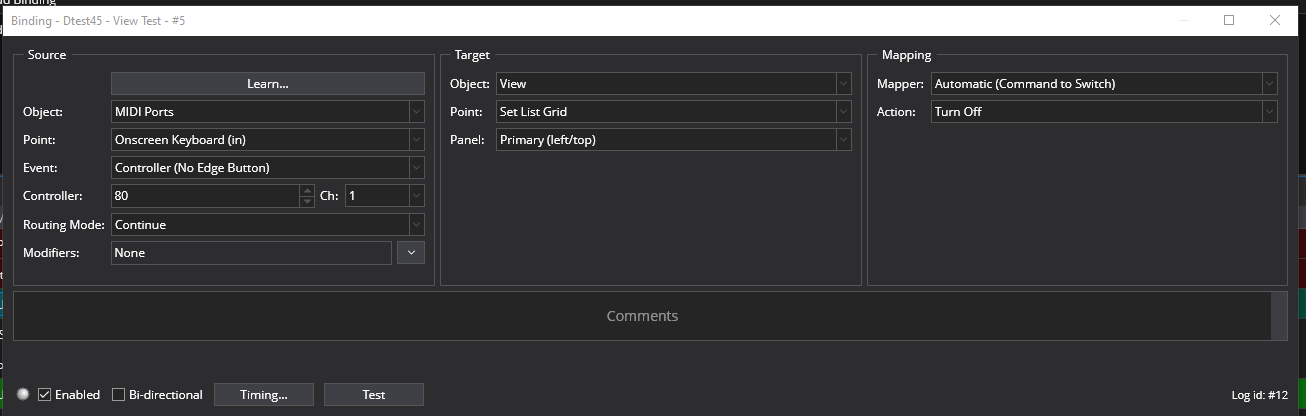
The bindings were to set to upper and lower views like the first one shown here that switches the view to routing on the upper/left panel.
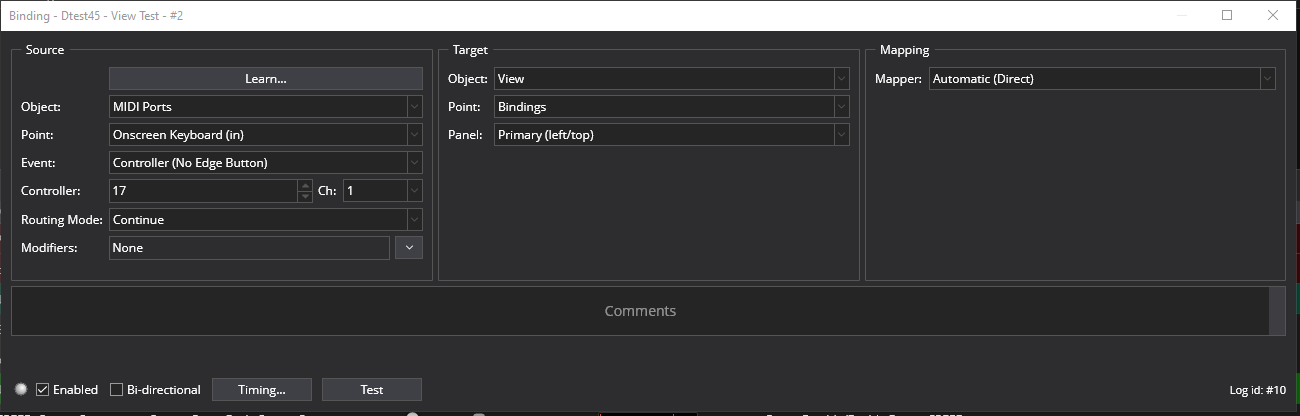
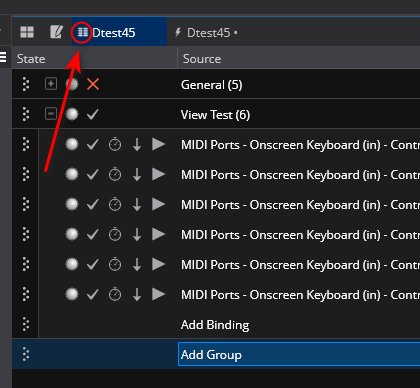
and the second one set up to change the view on the upper panel to bindings
The 3 and 4 buttons and bindings were set up to do the same testing on the lower panel or view. This all worked as it should while noting that the view will be switched in the last active tab you has selected in either upper or lower view. Also when the upper primary tab is selected and you change the view with a binding like this the switching works fine but the icon on the tab designating whether it is a routing or bindings tab does not. I think it must be a conflict as to whether to change the icon because it’s the primary song routing table that defaults there. It may be nothing but thought I’d mention it.
upper view - primary tab with default routing showing
and after it is switched to the bindings view on the same tab the view changes but the icon remains the same. This self corrected after I came back to it in a different testing session and has been working ever since then for several sessions.
The 5 and 6 buttons and bindings were set up to test the show notes view invocation and that’s where I ran into some issues. The button/bindings worked but then the other bindings I had already tested were unable to change the views back to either the routing or bindings view in either pane once you invoked the show notes view bindings once. The way to get back to the other views was to click on a tab in either the upper/left or lower/right view.
I went on to test whether I could get the Set List Grid to open in the same way using the 5 and 6 button with the bindings edited to exercise that.
This did work on the first invocation after a song load and the display remained unchanged after that when pressing the controller bar buttons. You could get to a tab by clicking on it but after that the same controller bar button could not call back the grid. Only by loading another song and returning to this song did the set list grid binding work again and only once.
My opinion is that the Grid and Show Notes tabs views are behaving differently from one another and from the tabs in this case where I am calling them from a binding.


 Looks like I got got a taste of Beta test blindness.
