A tiny tale of woe... (aka what happened build 4400?)

Quick update…

On the weekend I decided to revisit the C++ template library Cantabile’s audio engine uses (because I hate stl/std::). This library is used for string handling, collections (lists, maps), threading primitives and various lock free structures.

  • Better support for Atomic operations
  • Better utf8/utf16/utf32 support
  • Better support for lamba functions and delegates
  • A much improved Map collection
  • A new Set collection
  • New File and Memory Streams
  • Four new thread safe collections: MpmcStack, MpmcQueue, SpscQueue, SpscCowList (Copy-On-Write list)
  • New HighWaterHeapSet lock-free memory allocator
  • Futex wrappers

Also, removed anything obsolete and did a general code clean up.

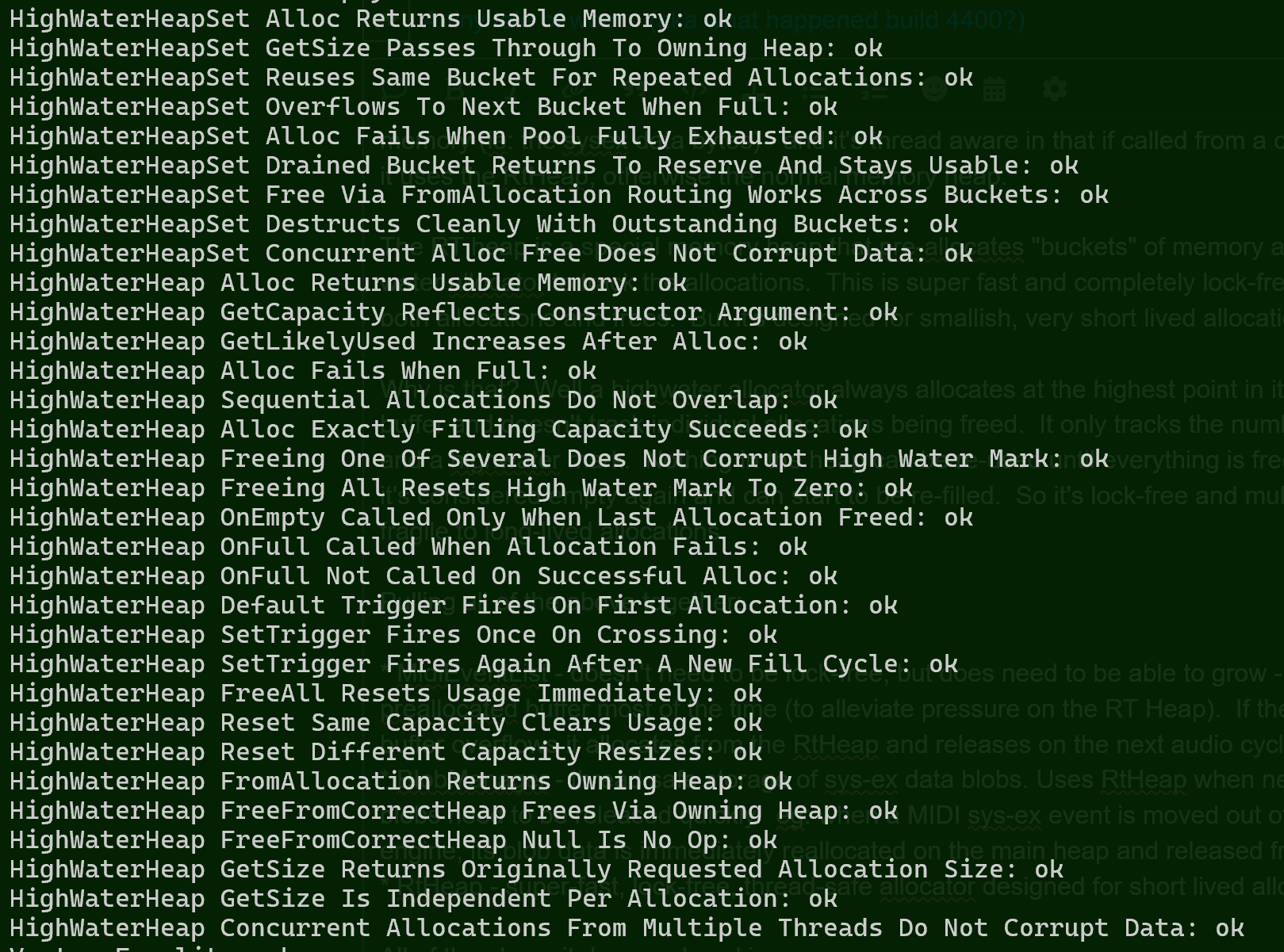
Claude wrote over 300 unit tests for it, all passing:

image

I’ve also updated CantabileCore to use this new version of the library and all its unit tests are also passing.

Finally, I think I’ve nearly finished (untested) a new execution plan clustering algorithm… more on that later.

4 Likes

Amazing! It sounds like Cantabile and its technology is really improving through this big change.

Do you have any thoughts on how long it might take to stabilise to be gig-ready? I know it’s hard to estimate, especially before it’s used in the wild.

Soon it may be a tiny tale of Wow!

2 Likes

Appreciate the work you do for all of us. I’m sure it will be awesome when you are ready to release it.

1 Like

Not really… I’m hoping the engine rebuild will only be a couple of weeks but I have a habit of underestimating.

After that it will depend on how long you guys keep on breaking it… :slight_smile:

Today I finished Cantabile’s new “node clustering algorithm”, which I’m guessing I should probably explain… who’s up for some graph theory?

Cantabile audio engine is what’s called a directed acyclic graph (aka a DAG) - a set of connected nodes with no circular path.

The root node of the graph at the bottom is the output of the audio engine and all its precedents are the nodes that produce audio and MIDI output. At the very top are the input nodes that pull in incoming audio and MIDI. In between are MIDI routers, MIDI muxers, audio mixers, MIDI controler hooks, buffers, plugins and a whole set of other objects.

In order for this to work properly all these nodes need to be executed in the correct order (executing a plugin before its input audio mixer wouldn’t work out well). Also, we want the load for this spread across multiple CPU cores so things get done as fast as possible. But we don’t want to put every single node on a separate core, because there’s an overhead involved in that.

To do this efficiently the smaller nodes need to be merged into clusters which are then executed by the thread pool as larger chunks of work.

This is where this “node clustering algorithm” comes in… Cantabile sets up the graph of nodes and the node clustering groups them to allow spreading the load, but also ensuring everything is done in the correct order.

The algorithm I’ve gone with is based on standard task clustering algorithms such as Sarkar’s algorithm and Dominant Sequence Clustering but I’ve modified it to include a node-weight and dispatch-overhead cost.

Node weights give different execution costs to different types of nodes. eg: 1 for midi processing, 5 for audio mixing, 100 for plugins etc… This means the algorithm tries to put heavy items into separate clusters and tries not to put lightweight nodes into separate clusters unnecessarily.

A node can also declare that it wants to be clustered with its precedents (eg: an audio mixer wanting to be kept with its individual channels mixers).

The output of the algorithm is a “plan” - a set of clusters with information about which other clusters need to be executed first. Within each cluster is a topologically sorted list of nodes - that is the nodes are correctly ordered so precedents are always executed before their dependents. The plan contains all the information needed so the audio thread to just follow the instructions and everything will work.

How does this compare to currently Cantabile engine? Very different - the current version does hard coded clustering - basically one cluster for each plugin, media player, rack etc… It’s fine, and it works, but it makes the code complex because everywhere the graph is updated the clustering also needs to be maintained. Aside from clustering the rest of the execution planning is done on the audio thread. Also a bug that puts a node in the wrong cluster can blow the whole thing up.

I got the first version of this working today and after writing some correctness tests (thanks Claude) I did some performance testing and oops… 2,000 nodes took about 33 seconds to “clusterize”. A silly mistake meant the whole graph was being over examined - many times. Bug fix brought it down to about 1 second and an afternoon of profiling and performance tuning got it down to about 60 milliseconds. I think 2,000 nodes would be an extremely large configuration since this is only for nodes that are actually running (preloaded set lists don’t count)

Currently looks like this (on my fast dev machine)

  • 2,000 nodes = 55ms
  • 1,200 nodes = 20ms
  • 800 nodes = 10ms
  • 200 nodes < 1ms

I think good enough for now. This whole algorithm runs once each time the graph changes (add a plugin, re-route something etc…) not on every audio cycle, and it runs on the UI thread - not the audio thread. So, while its not performance critical for the audio engine - you don’t want to be waiting 30 seconds just because you changed a route. 55ms you won’t notice.

I’ll stop rambling now. Tomorrow’s job is to update the audio engine to use this new shininess.

8 Likes

I’m not worthy :slight_smile: - So if I understand a node is any object that needs processing, be it MIDI, Audio, plug-in or anything else and these nodes are clustered together based on a weighting. Each cluster is then scheduled for execution. How do the outputs from the cluster synch together?, Are things like the note pages classed as nodes. - i think need a beer :slight_smile:

Too much information?

Yep, that’s basically it.

That’s part of the execution plan precedents concept - a cluster won’t be executed until its precedent clusters have completed.

So say you had two plugins as precedents of say a master output mixer, the two plugins can be executed in parallel (each on a different core) and one might finish a lot quicker than the other. When they’re both finished, the mixing cluster can run and it mixes the two sets of plugin outputs together. In practice there’s code in the audio engine that synchronizes and schedules clusters to run only once their precedents have finished (and that’s part of tomorrow’s job).

Do you mean show notes? No, this is strictly audio/midi processing in the audio engine.

Bourbon works too.

@brad Thanks, not too much information. Its good to understand what’s going on ‘under the hood’. This such an awesome piece of software, when using it you forget just how much is really going on. Again thanks for the explanations. ../Steve

2 Likes

@brad
:wink:

2 Likes

Today, a couple of pieces all clicked together.

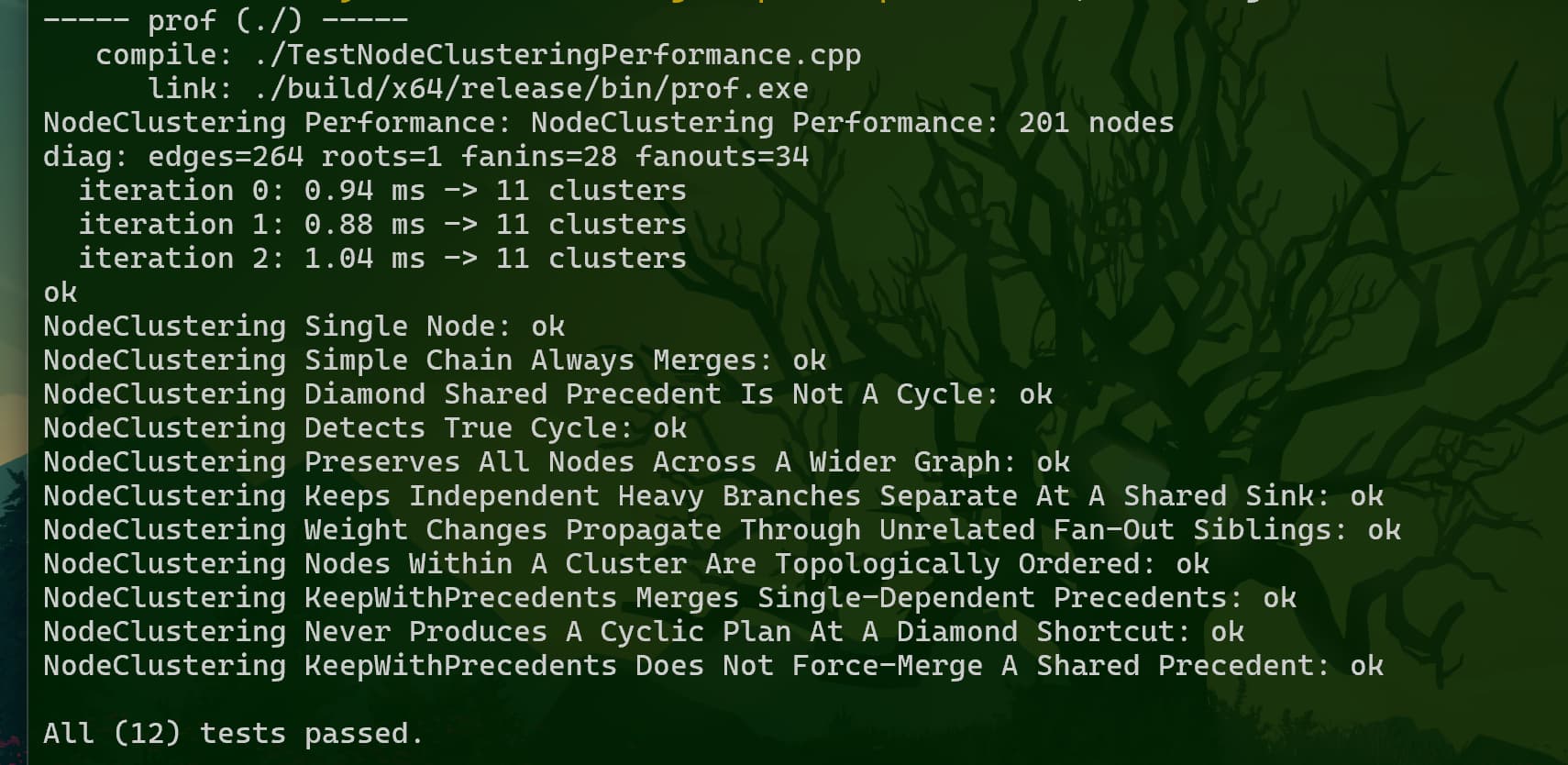
Firstly, I updated the execution planner to use the node clustering algorithm that I finished yesterday, updated the C# interop layer and got Claude to write more tests for various graph topologies:

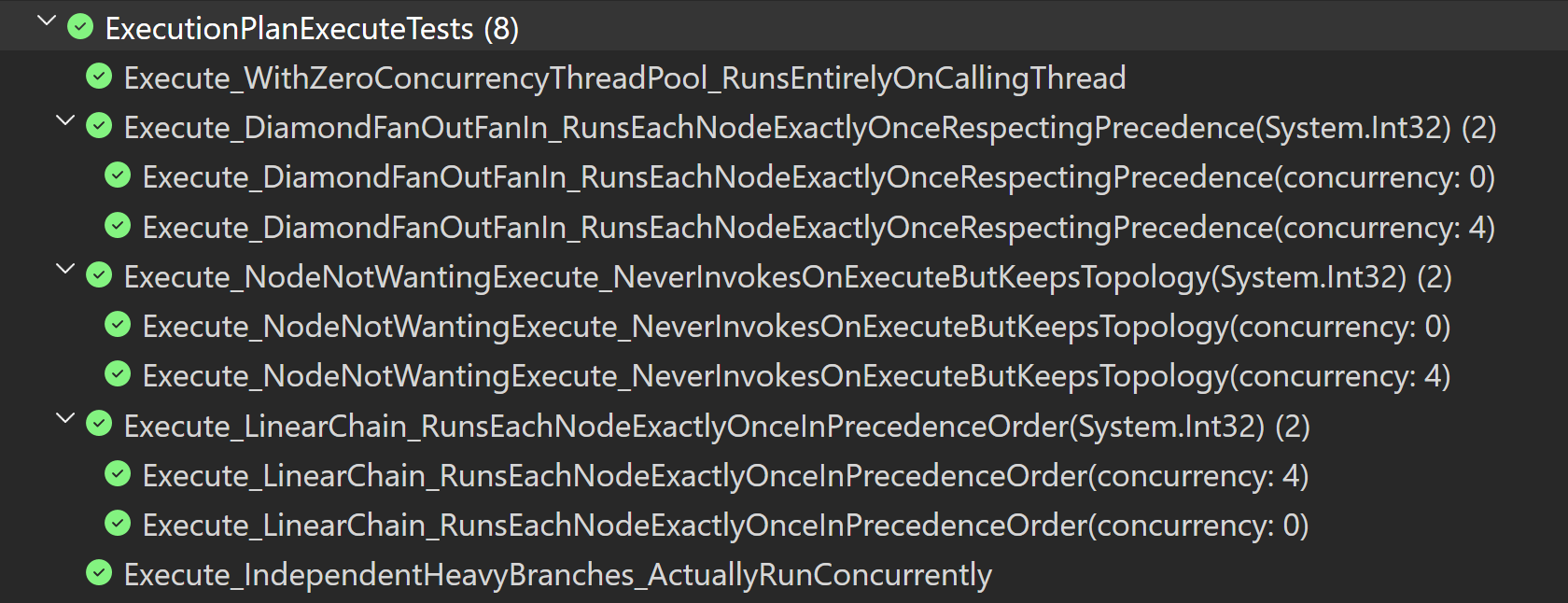
Then, I updated the execution plan object to be able to actually execute a calculated plan using a thread pool to distribute the work. Again, Claude was tasked with testing it and it seems to be working great - both against an actual thread pool and in a single threaded mode:

Of course it still needs to be proven to work in practice, but that’s the new execution model, a core part of the engine’s internal workings pretty much done.

Next up I need to revisit how MIDI events propagate through the graph.


For the curious, here’s the code to “execute” the plan:

// Execute this plan on a supplied thread pool.
// This method is called once per audio cycle and only returns
// once the entire plan has been executed.
void CExecutionPlan::Execute(CThreadPool* threadPool)
{
	// Store thread pool
	assert(m_threadPool == nullptr);
	m_threadPool = threadPool;

	// Keep worker threads spinning for a bit before sleeping
	bool wasBusyMode = m_threadPool->SetBusyMode(true);

	// Reset the finished flag
	m_finished.Set(0);

	// Invoke start cycle units
	for (int i = 0; i < m_vecStartCycleUnits.GetCount(); i++)
		m_vecStartCycleUnits[i]->OnStartCycle();

	// Reset precedent counts on all non-leaf clusters
	for (int i = m_execPlan->leafClusterCount; i < m_execPlan->clusters.GetCount(); i++)
	{
		auto cluster = m_execPlan->clusters[i];
		cluster->predCountPending.Set(cluster->predCount);
	}

	// Sschedule leaf clusters other than the first
	for (int i = 1; i < m_execPlan->leafClusterCount; i++)
	{
		ScheduleCluster(m_execPlan->clusters[i]);
	}

	// Execute the first leaf cluster directly
	if (m_execPlan->leafClusterCount > 0)
	{
		ExecuteCluster(m_execPlan->clusters[0]);
	}

	// Contribute to getting the work done until finished
	while (!m_finished.Get())
	{
		threadPool->DoWork();
		m_workOrFinish.SpinWait(kBusySpinCount);
	}

	// Revert busy mode
	m_threadPool->SetBusyMode(wasBusyMode);

	// Clean up
	m_finished.Set(0);
	m_threadPool = nullptr;
}

// Schedule a cluster to be executed on the thread pool
void CExecutionPlan::ScheduleCluster(Cluster* cluster)
{
	// Schedule the task
	m_threadPool->RunTask([this, cluster]() { this->ExecuteCluster(cluster); });

	// Release the RT thread so it can help
	m_workOrFinish.Release();
}

// Execute a cluster by:
// 1. executing all nodes in order (they're already topologically sorted)
// 2. decrementing the pending predecessor count on all successors
// 3. for successors whose predecessor count goes to zero:
//      - schedule all except the first to run on the thread pool
//      - execute the first immediately
void CExecutionPlan::ExecuteCluster(Cluster* cluster)
{
	while (cluster)
	{
		// Execute all nodes
		for (int i = 0; i < cluster->nodes.GetCount(); i++)
		{
			cluster->nodes[i]->OnExecute();
		}

		// If this is the root node (no successors), then everything is done!
		if (cluster->succs.GetCount() == 0)
		{ 
			m_finished.Set(1);
			m_workOrFinish.Release();
			return;
		}

		// Release successors
		Cluster* continueWith = nullptr;
		for (int i = 0; i < cluster->succs.GetCount(); i++)
		{
			Cluster* succ = cluster->succs[i];
			if (succ->predCountPending.Dec() == 0)
			{
				if (continueWith == nullptr)
				{
					// We'll continue with this one ourself
					continueWith = succ;
				}
				else
				{
					// This one we'll hand off to the thread pool
					ScheduleCluster(succ);
				}
			}
		}

		// Continue with next (explicit tail recursion)
		cluster = continueWith;
	}
}
9 Likes

I think geeks like me are interested in things like this :slight_smile:

So when you had the excessive time problem, was that an example of a cluster fcuk ? :rofl:

1 Like

As always, it’s very instructive to see what is involved; even with my limited technical knowledge I really appreciate these in-depth (at least to me!)) explications.
The main usage of Cantabile for me is to use it as a midi router.
If I understand correctly, the Acyclic graph for a configuration change of Cantabile midi router (case figure: re-assigning a master MIDI controller to any combination of 16 midi outputs) could be done in 1ms or less upon a State change triggered by a binding?

1 Like

Kind of… there’s a bit more involved. eg: the graph clusterization time is the time to clusterize every node the engine is using (all racks, songs etc…). Also multiple updates are also coalesced which delays by one 1 windows message loop pump, and then graph takes effect on the next audio cycle.

Short Version

Today:

  • Redesigned the way MIDI events pass through the node graph
  • Implemented and tested new MidiEventList, BlobManager and RtHeap

I think I now have everything in place to start porting some of the different graph node types to the new engine.

Long Version

Today I’ve been working on how MIDI events propagate through the node graph. The big change here is that MIDI targets now pull events from a MIDI source rather than source nodes pushing events to a target.

There’s a few reasons for this change:

  • It better matches the approach taken with audio
  • It better fits with the new execution planner
  • It solves some multi-threading issues that the old engine had to work around.

To clarify what I mean by push/pull:

  • Push - MIDI source nodes used to call their target on each event saying “Here’s one event”.
  • Pull - MIDI targets talk to their sources and say “Give me all your outgoing events”.

The problem with “Push” is if the source and target nodes are in different execution clusters then the target can be called from multiple worker threads concurrently (and that gets messy). This was handled in the old engine by placing a MIDI buffer node at those cluster boundaries. This buffer was deliberately designed to be thread safe. The problem with this approach with the new execution planner is those cluster boundaries are no longer fixed (they’re calculated by the clustering algorithm) so every MIDI target needs to be thread safe, or I need a new approach.

The new approach uses the pull model. Each source node accumulates its output events into a MidiEventList. This doesn’t need to be thread safe because only the owning MIDI source node writes to it and once its finished writing the list is immutable (unchanging) until the next audio cycle - so successor nodes (the MIDI targets) can freely read from it and no thread-sync/locking is needed.

Now while MidiEventList itself doesn’t need to be thread safe there’s one other issue to be dealt with - memory management.

Allocating memory on the audio thread is a big no-no for a real-time audio engine. So is releasing memory. Either of these operations can stall and have to be avoided - usually by pre-allocating memory during startup.

Unlike audio buffers which are always a fixed size and can be pre-allocated, the MidiEventList is variable in size. It might be empty, or it might have 100 events. To solve this MidiEventList, pre-allocates a largish buffer that should handle 99.9% of cases. The actual size will be based on the audio buffer size and a throughput rate of probably 20 events per millisecond (that’s 20,000 events per second) - very generous. If it fills up it allocates some extra memory from a special memory heap called the RT Heap (see below).

Also, there’s sys-ex data to worry about. If a plugin hands back a blob of outgoing sysex data the engine needs to store it somewhere before passing it on. This is handled by the BlobManager which manages reference counted blobs of memory (ie: the sysex data bytes). The BlobManager is thread aware so if called from a core audio thread it uses the RtHeap, otherwise the normal memory heap.

The RT heap is a special memory heap that pre-allocates “buckets” of memory and uses a high-water allocator to track the allocations. This is super fast and completely lock-free on both allocations and frees. But it’s designed for smallish, very short lived allocations.

Why is that? Well a highwater allocator always allocates at the highest point in its pre-allocated buffer and doesn’t track individual allocations being freed. It only tracks the number of allocations and a highwater mark. Nothing in the heap can be re-used until everything is freed at which point it’s considered empty again and can start to be re-filled. So it’s lock-free and multi-thread-safe but fragile to long-lived allocations.

Pulling all of the above together:

  • MidiEventList - doesn’t need to be lock-free, but does need to be able to grow - so it uses a preallocated buffer most of the time (to alleviate pressure on the RT Heap) but falls back to the RT Heap when necessary.
  • BlobManager - thread safe storage of sys-ex data blobs. Uses RtHeap when necessary, but blobs need to be released quickly. eg: when a MIDI sys-ex event is moved out of the audio engine, its blob data is immediately reallocated on the main heap and released from the RtHeap.
  • RtHeap - super-fast, lock-free, thread-safe allocator designed for short lived allocations.

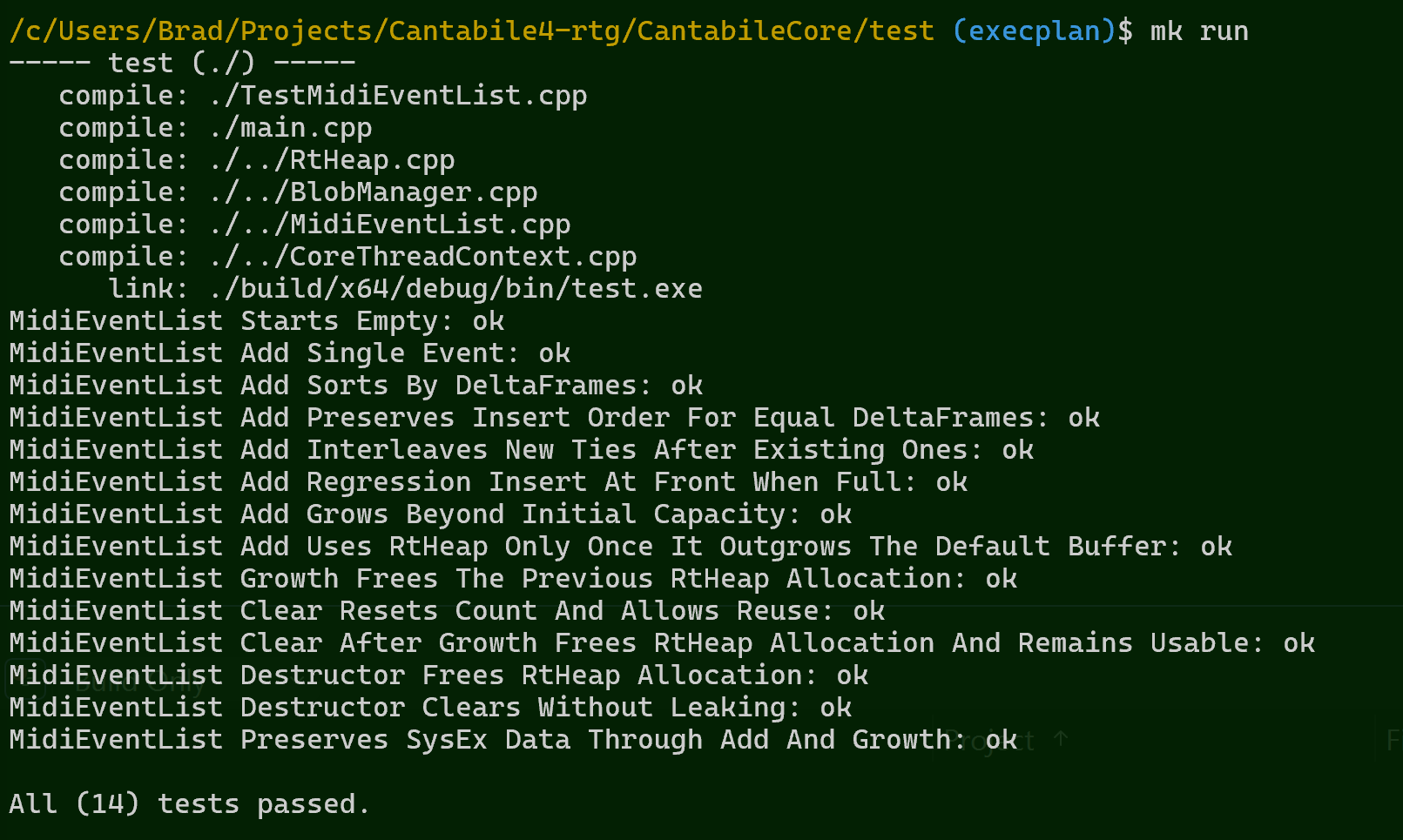
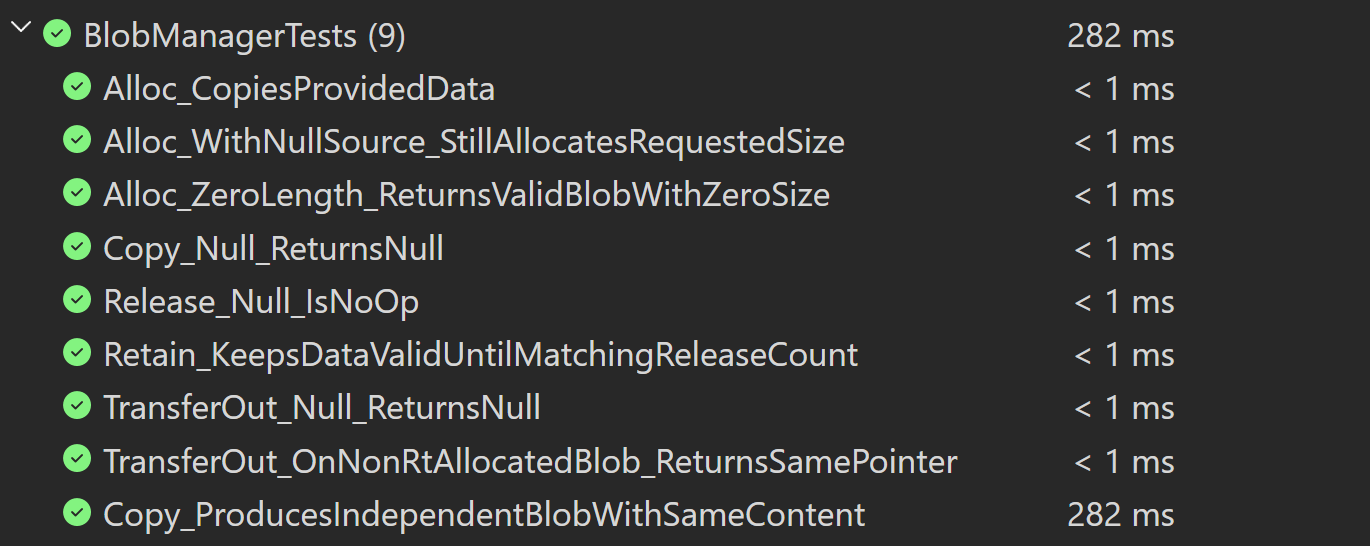
Looking good:

9 Likes

Wow, Thanks @brad for this deep revamping of our beloved Cantabile!

Spent most today cleaning up some old code and setting up a test environment in which these objects can be tested in isolation:

  • MockExecutionContext - mimics the audio engine and lets me run tests in a simple closed environment - no multi-threading, no audio drivers.
  • MockExecutionNode - normally the audio engine goes no where near C#, but this lets me send/receive audio and MIDI data directly in the unit tests.
  • AudioBuffer - the first real-time graph object ported from the old engine - a simple audio buffer (used for audio loop back ports).

Putting it all together, here’s a unit test for the newly ported AudioBuffer object:

[Fact]
public void TestAudioBuffer()
{
    // Create input, buf and output nodes
    var input = new MockAudioIn();
    var buf = new AudioBuffer();
    var output = new MockAudioOut();

    // Connect chain (input -> buf -> output)
    output.AudioSource = buf;
    buf.AudioSource = input;

    // Setup context
    using var ctx = new MockExecutionContext();
    ctx.RootNode = output;

    // Setup input samples
    input.Samples = [1, 2, 3, 4];

    // Run the test
    ctx.Start();
    ctx.Drive();
    ctx.Stop();

    // Check output
    Assert.Equal(input.Samples, output.Samples.AsSpan(0, input.Samples.Length));
}
7 Likes

Friday afternoon: ported some miscellaneous classes from old code base and got Claude to write unit tests: AnimatedMixLevel, IntRanges, Curve, ClampSlideDiscard, AudioFileReader.

Then… I started to notice occasional failures in the unit tests. Running the full test suite I was getting about 1 in 60 failure rate, not always in the same place. So I sounded the Klaxon, and set about getting to the bottom of.

In the end:

  • reworked the way object lifetime is managed between managed (C#) and unmanaged (C++)
  • removed the old ZombieLock and ZombieQueue implementation as no longer needed due to new execution model
  • implemented a cleaner dispose/delete pattern - with clear documentation on the rules
  • added lots of asserts and debug code to ensure everyone is playing by the rules
  • fixed a race condition in thread startup
  • fixed a dangling pointer issue in the execution planner
  • fixed a corrupted thread-local-storage pointer issue
  • fixed an object instance not being held by managed code
  • fixed some false assumptions Claude made in a couple of the unit tests
  • added some more unit tests to hammer everything related

Finally, i ran the unit test 1,000 times: no errors, no crashes.

Crisis averted. Nothing to see here.

12 Likes

This number slowly dropping (started at about 80k lines to port, now down to 50k).

And this number slowly increasing: also almost 1,000 new unit tests.

5 Likes

The math major in me (Masters degree in 1988 - yes I’m old) LOVES this!

2 Likes